> ## Documentation Index
> Fetch the complete documentation index at: https://docs.hotglue.com/llms.txt
> Use this file to discover all available pages before exploring further.
# Custom field mapping
> Allow users to map their fields to your schema
# Behavior
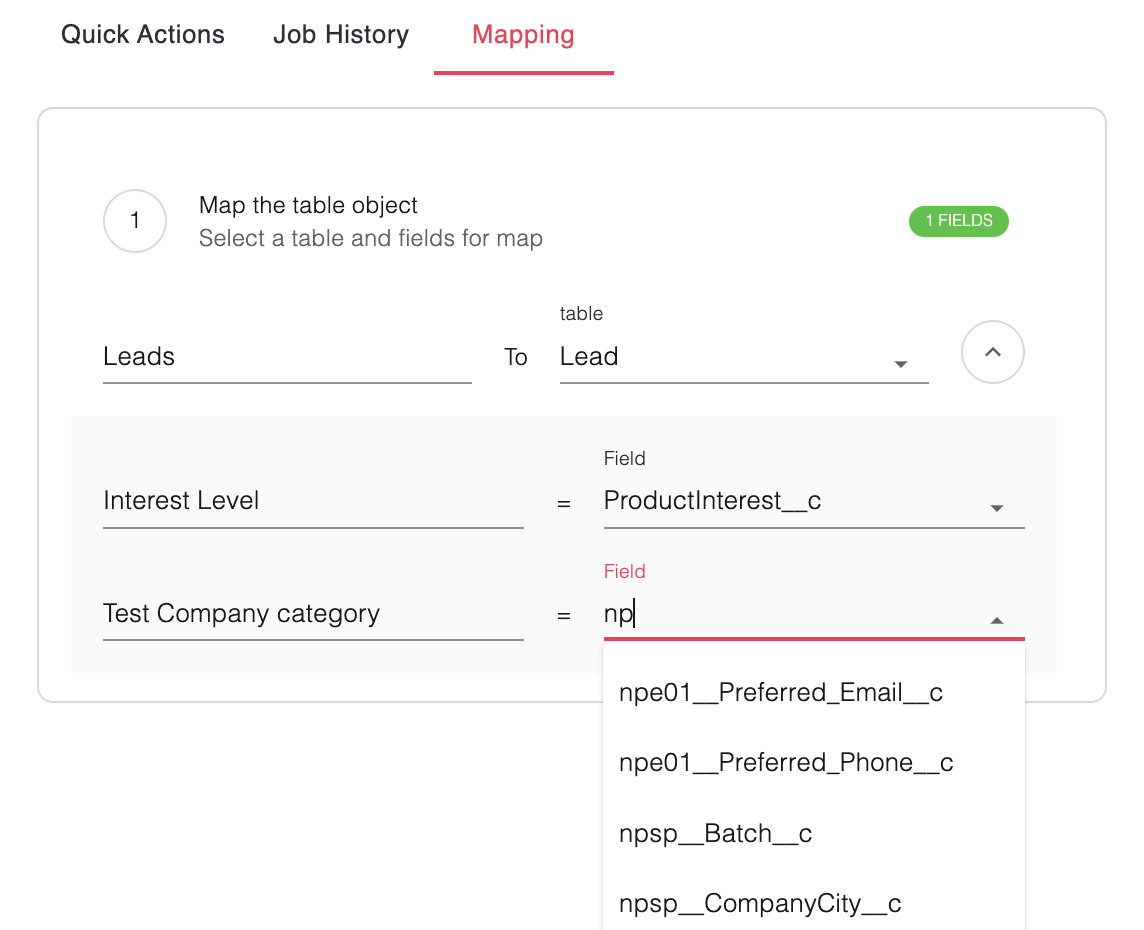
Custom field mapping allows your users to map fields in their connected system to your data model.
Your users will see your app's schema on the left, and available fields in their source system on the right.
# Uses
* Fetch available custom fields in your customer's external system without creating new custom fields in your app.
* Define schemas tenant-by-tenant for granular control over mapping.
If you need to fetch custom fields, hotglue will first need to fetch available fields in your user's account (a "discover"). There are two ways to do this, both of which can be turned on in your jobs settings:
* Trigger a discover when your user links.
* Force a discover on every job
# Syntax
Pass the `schemas` object as an option to the hotglue widget. There are three parameters in this object:
* **FlowId**: The shortcode for your flow
* **schema.table**: The name of the table inside your system. This can be any string.
* **Your data model's field `id`** and `name`: The `id` is the field name in your data model, as a string. The `name` is a user-friendly string that is familiar to your users.
Javascript
```javascript javascript theme={null}
{
"schemas": [
{
"flowId": "flowId",
"schema": [
{
"table": "Leads",
"fields": [
{
"id": "interest",
"name": "Interest Level"
},
{
"id": "cat",
"name": "Test Company category"
}
]
}
]
}
}
```
## One to One Mapping
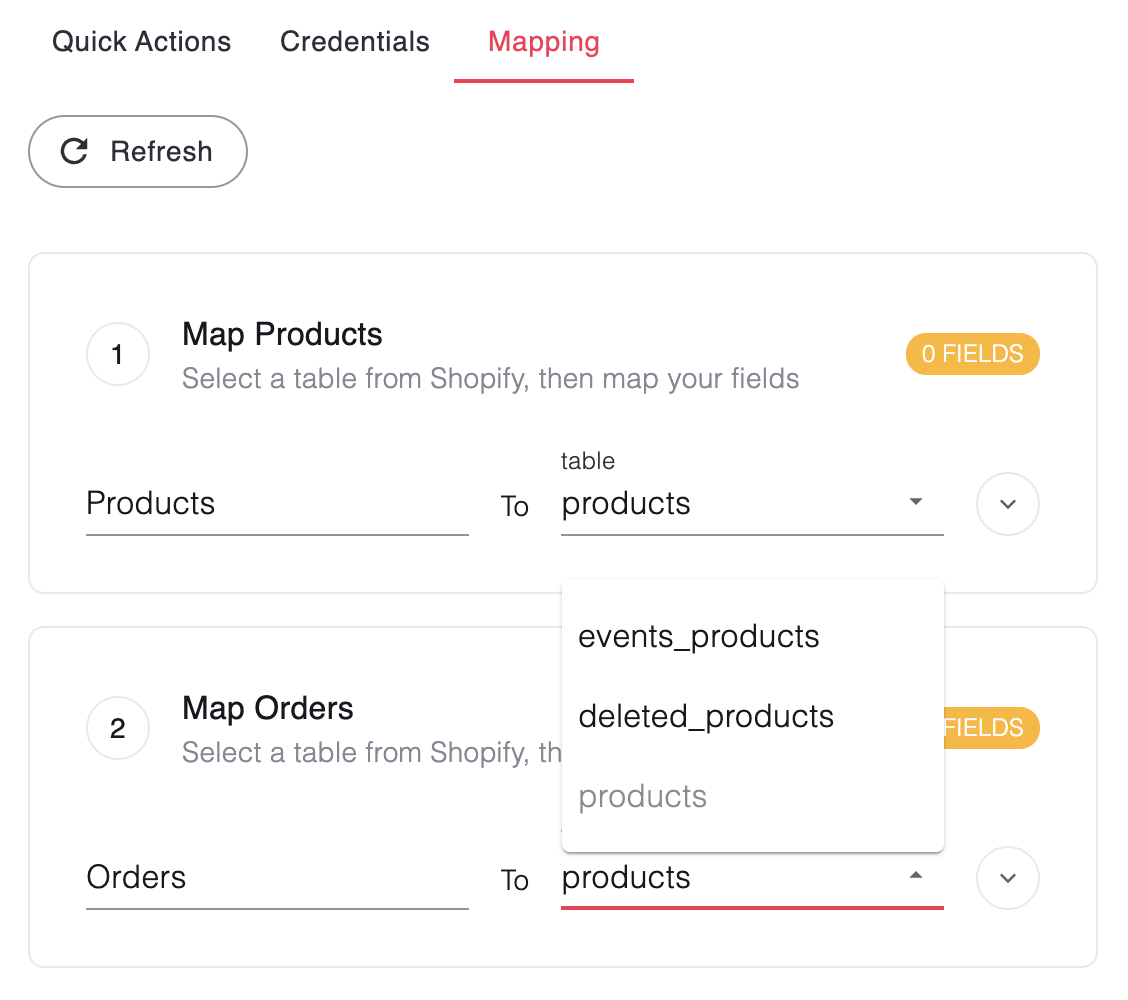
To enforce a one-to-oe relationship between source and target tables you can use the `enforceOneToOneMapping` prop.
In the vanilla widget you can pass:
```javascript javascript theme={null}
{
"enforceOneToOneMapping": true, // default false
"schemas": [{...}]
}
```
In the React widget you can pass:
```jsx React theme={null}
const { setSchema } = useHotglue()
const schemas = {
"flowId": "flowId",
"schema": [{...}]
}
setSchema(schemas, { enforceOneToOneMapping: true })
```
Here's how it looks on the widget popup when the flag is passed