> ## Documentation Index
> Fetch the complete documentation index at: https://docs.hotglue.com/llms.txt
> Use this file to discover all available pages before exploring further.

# Square

# Connector Details

| Name           | Value                                                                                                                                                                                                                                                                                                             |
| :------------- | :---------------------------------------------------------------------------------------------------------------------------------------------------------------------------------------------------------------------------------------------------------------------------------------------------------------- |
| Platform       | [Square](https://squareup.com)                                                                                                                                                                                                                                                                                    |
| Auth Type      | OAuth                                                                                                                                                                                                                                                                                                             |
| Direction      | Bidirectional                                                                                                                                                                                                                                                                                                     |
| Tap Repo       | [https://gitlab.com/hotglue/tap-square](https://gitlab.com/hotglue/tap-square)                                                                                                                                                                                                                                    |
| Target Repo    | [https://gitlab.com/hotglue/target-square](https://gitlab.com/hotglue/target-square)                                                                                                                                                                                                                              |
| Tap Metrics    | <p>Usage: <Tooltip tip="low"><Icon icon="user" iconType="regular" color="#fff" size="14px" /><Icon icon="user" iconType="regular" color="#fff" size="14px" /><Icon icon="user" iconType="regular" color="#A9A9A9" size="14px" /><Icon icon="user" iconType="regular" color="#A9A9A9" size="14px" /></Tooltip></p> |
| Target Metrics | <p>Usage: <Tooltip tip="low"><Icon icon="user" iconType="regular" color="#fff" size="14px" /><Icon icon="user" iconType="regular" color="#fff" size="14px" /><Icon icon="user" iconType="regular" color="#A9A9A9" size="14px" /><Icon icon="user" iconType="regular" color="#A9A9A9" size="14px" /></Tooltip></p> |

# Credentials Setup

Follow the steps below to get the credentials you need to use the Square connector.

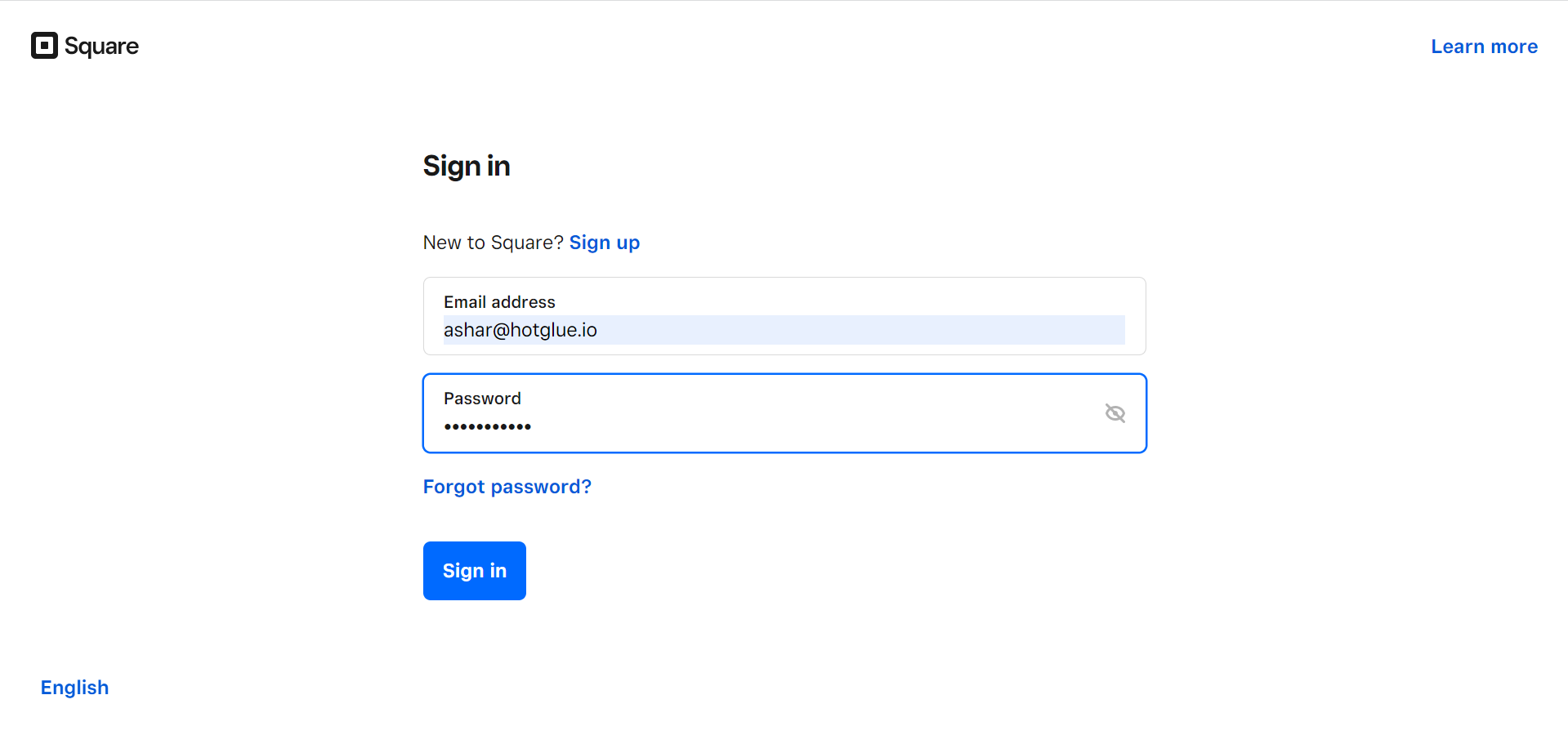
The first thing you need to do is log in to the [Square Developer](https://squareup.com/login?app=developer\&return_to=https://developer.squareup.com/apps) portal.
![](https://files.readme.io/8d7e0e1-suqare-login-01.png "suqare-login-01.png")

Enter the credentials and click on **Sign in** button.
![](https://files.readme.io/a02c62c-square-add-app.png "square-add-app.png")

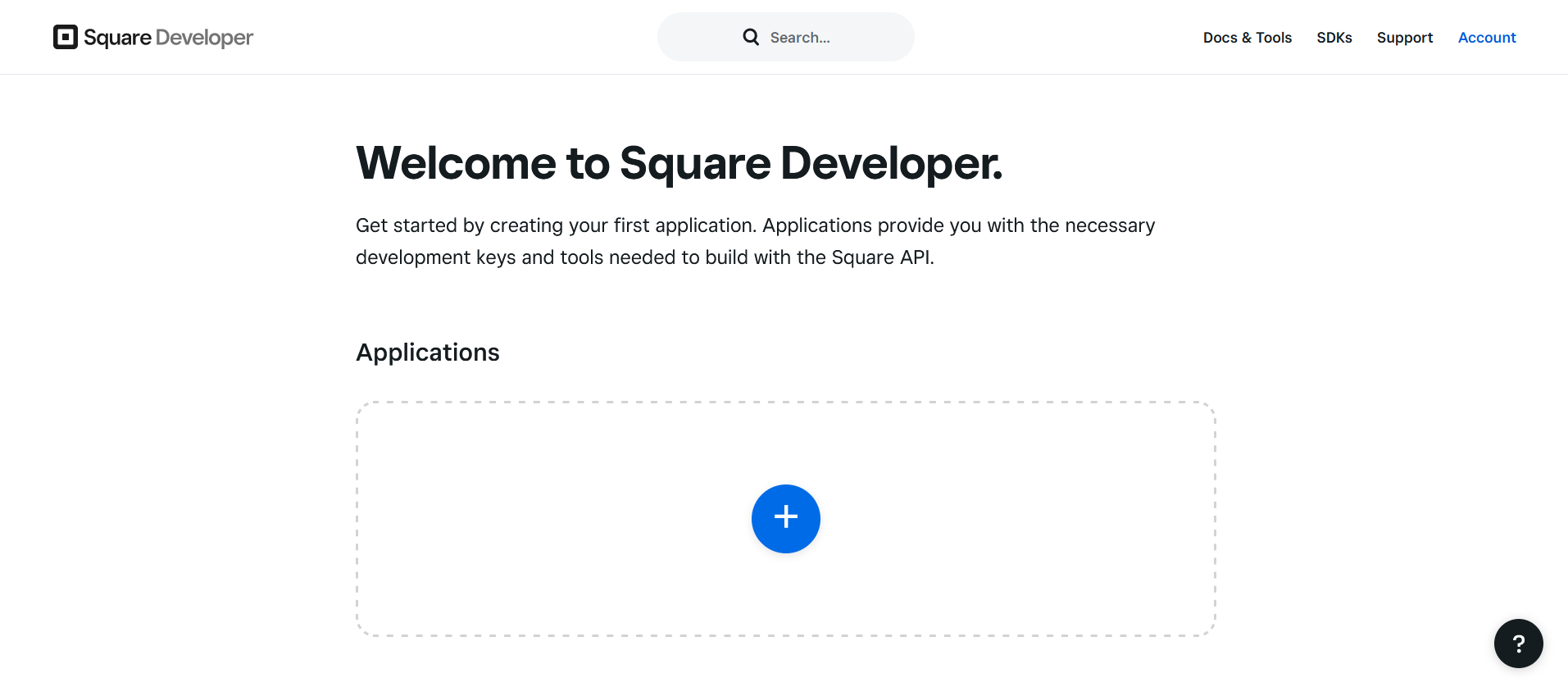
To add your app click on the add button.
![](https://files.readme.io/b1ab948-suqare-app-add-01.png "suqare-app-add-01.png")

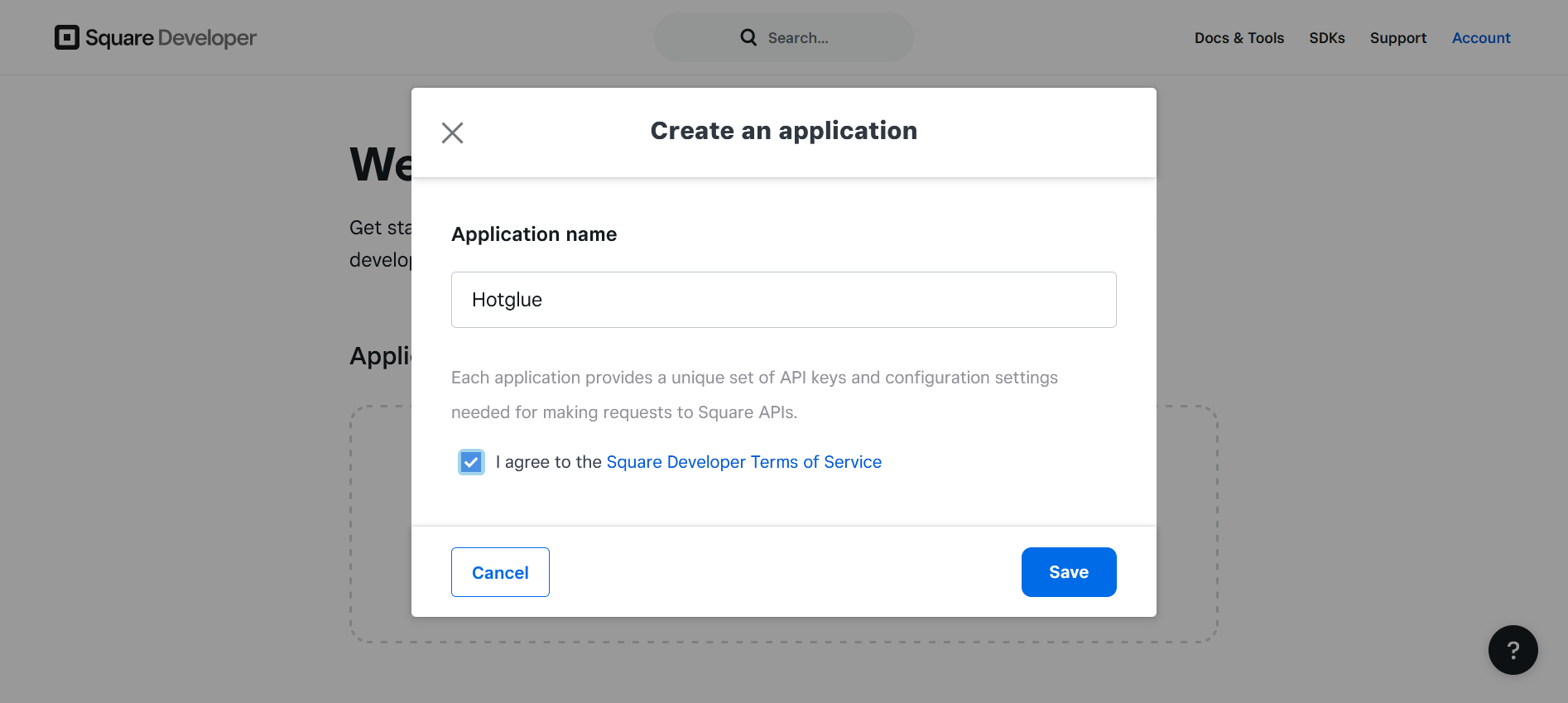
Enter your application name and save the changes.
![](https://files.readme.io/b8622ac-suqare-login-03.png "suqare-login-03.png")

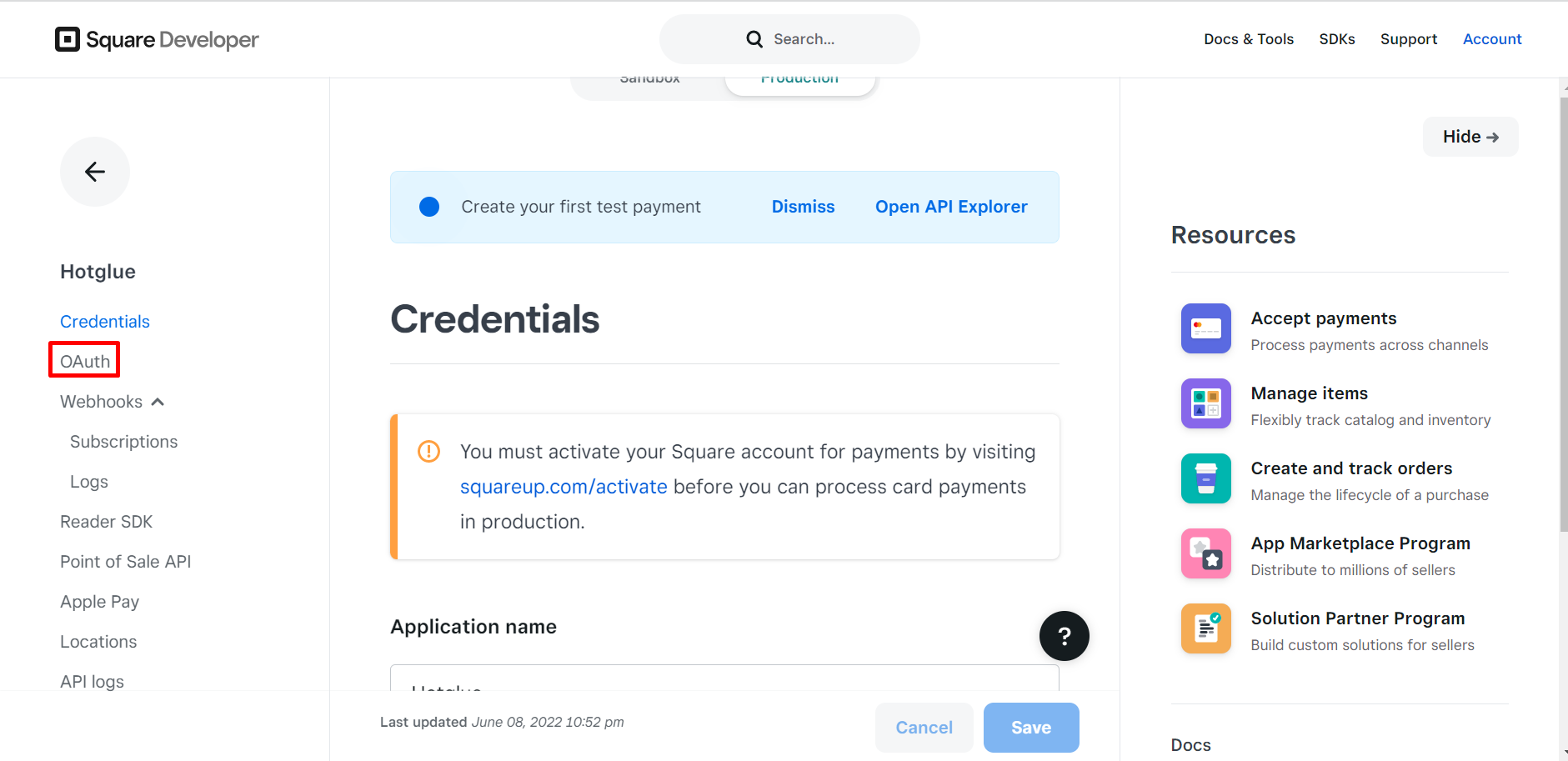
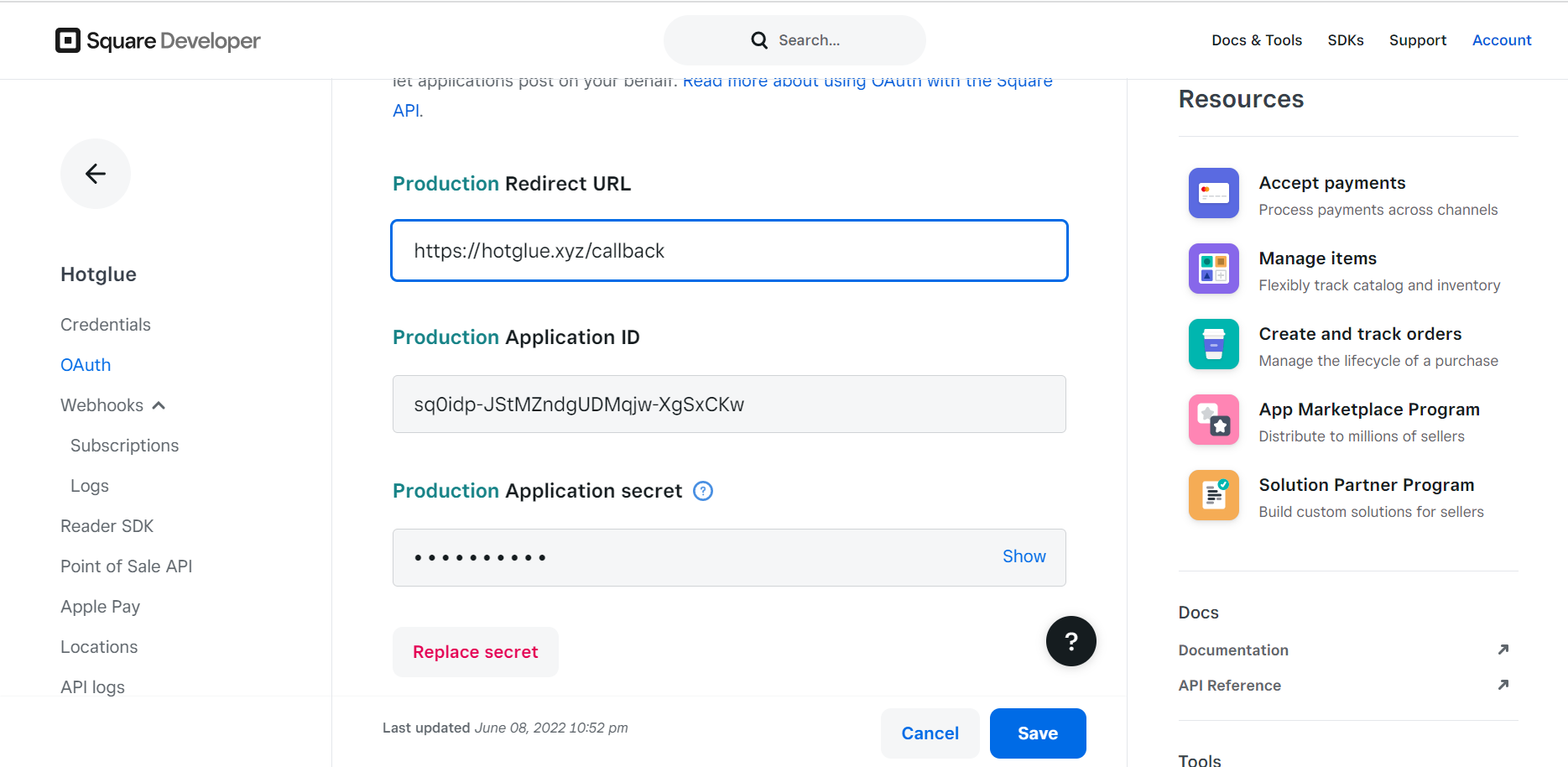
You will land on the Credentials page. Click on **OAuth** from left nav pane.
![](https://files.readme.io/e5483ab-suqare-login-04.png "suqare-login-04.png")

You should add the Redirect URI **[https://hotglue.xyz/callback](https://hotglue.xyz/callback)**. Once you do, you can also get your Client ID and Client Secret. Now you can go ahead and copy the credentials into hotglue.
