> ## Documentation Index
> Fetch the complete documentation index at: https://docs.hotglue.com/llms.txt
> Use this file to discover all available pages before exploring further.
# Xero
# Connector Details
| Name | Value |
| :------------- | :---------------------------------------------------------------------------------------------------------------------------------------------------------------------------------------------------------------------------------------------------------------------------------------------------------------- |
| Platform | [Xero](https://xero.com) |
| Auth Type | OAuth |
| Direction | Bidirectional |
| Tap Repo | [https://github.com/hotgluexyz/tap-xero](https://github.com/hotgluexyz/tap-xero) |
| Target Repo | [https://gitlab.com/hotglue/target-xero-v3](https://gitlab.com/hotglue/target-xero-v3) |
| Tap Metrics | Usage:
|
| Target Metrics | Usage:
|
| Unified Schema | Supported in [Accounting Unified Schema](https://hotglue.com/docs/unified). |
# Credentials Setup
Follow the steps below to get the credentials you need to use the Xero connector.
The first thing you need to do is log in to Xero, or create a free [Xero developer account](https://developer.xero.com/documentation/development-accounts/).
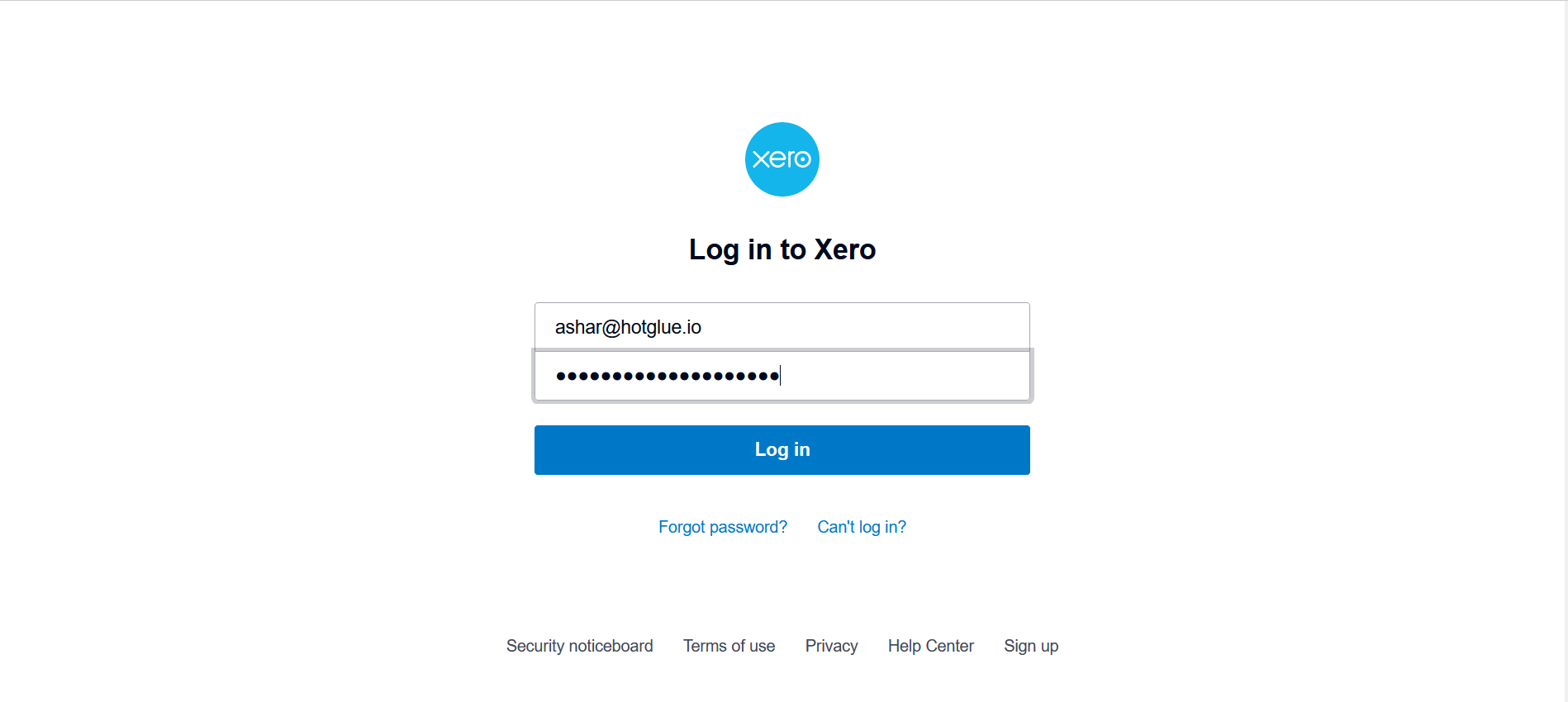
Enter the credentials and click on **Log in** button. Navigate to [Xero Developer](https://developer.xero.com/app/manage)
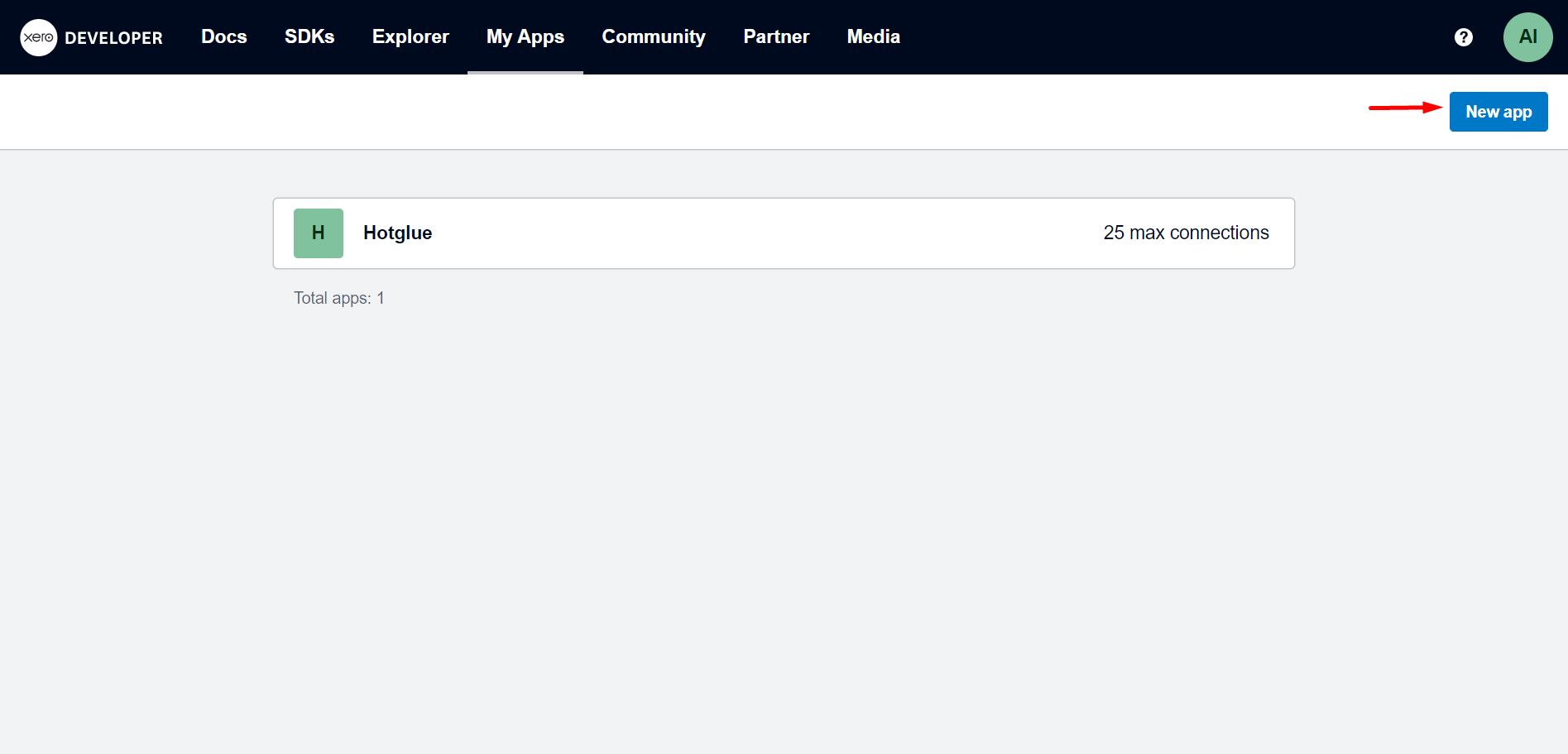
You can create app by clicking "**New app**" button. A pop-out will appear.
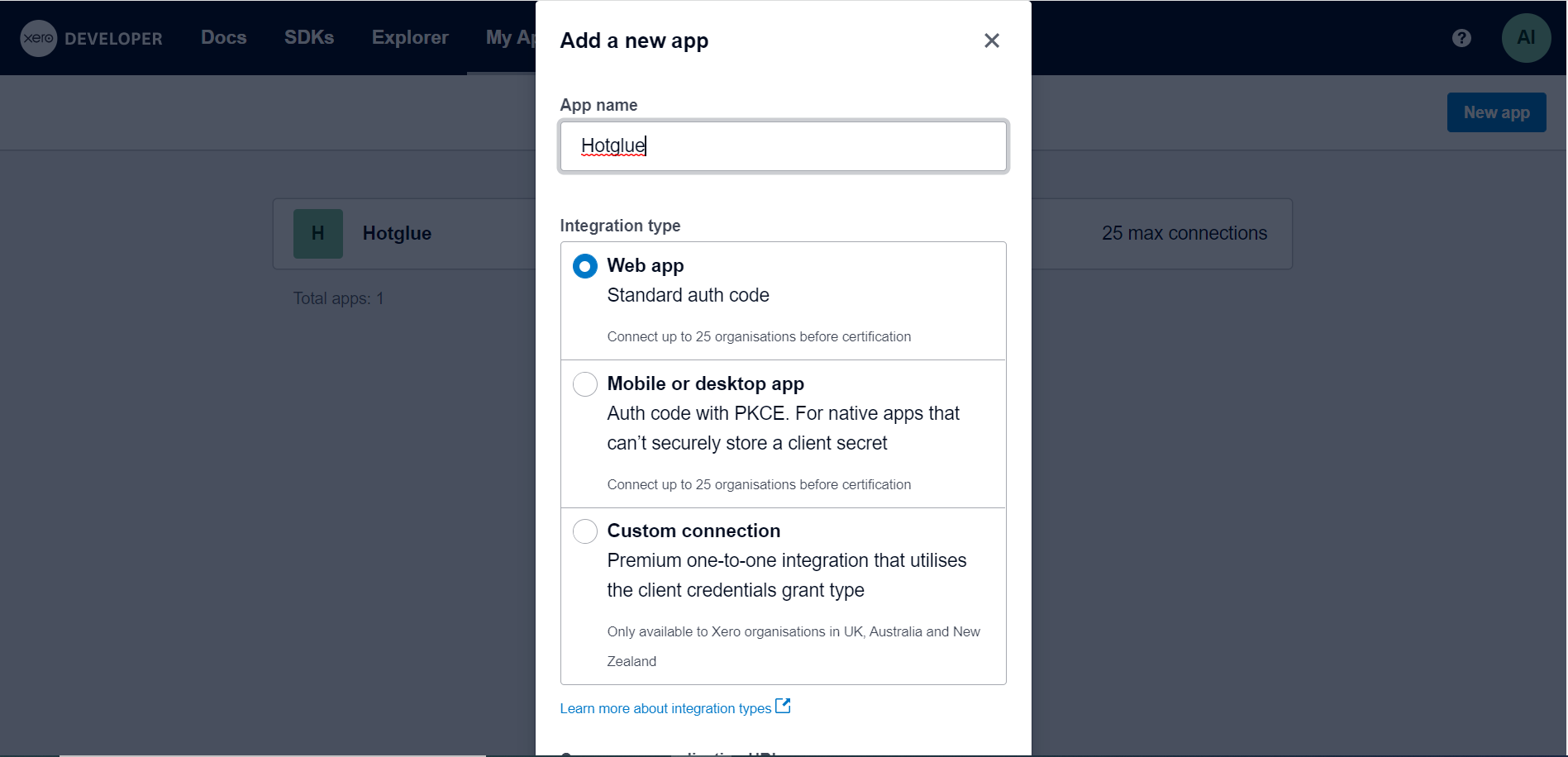
Enter App name, integration type and fill mandatory fields. Click on the save buttton. Your app will be added.
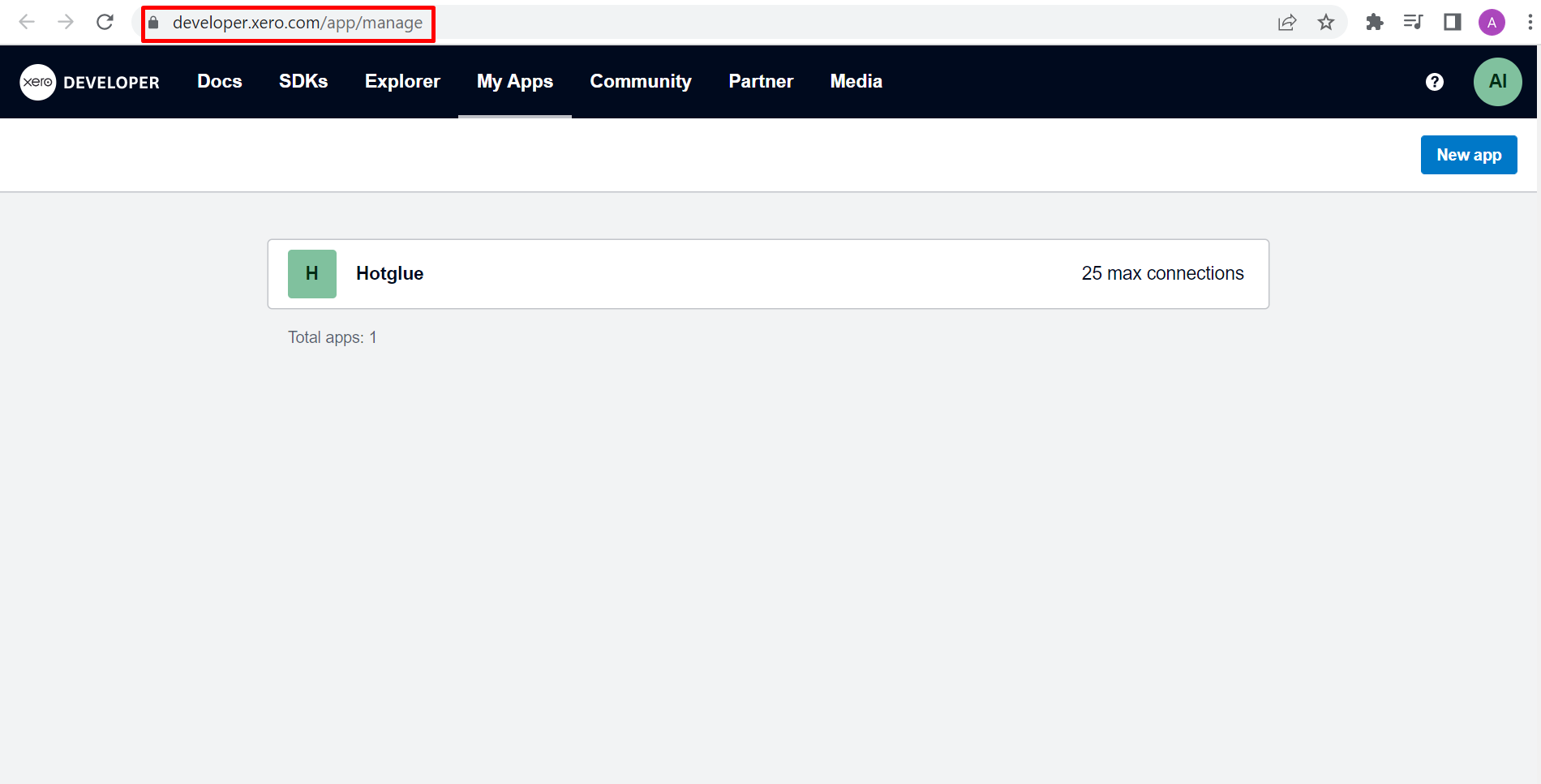
Click on the name of the added app.
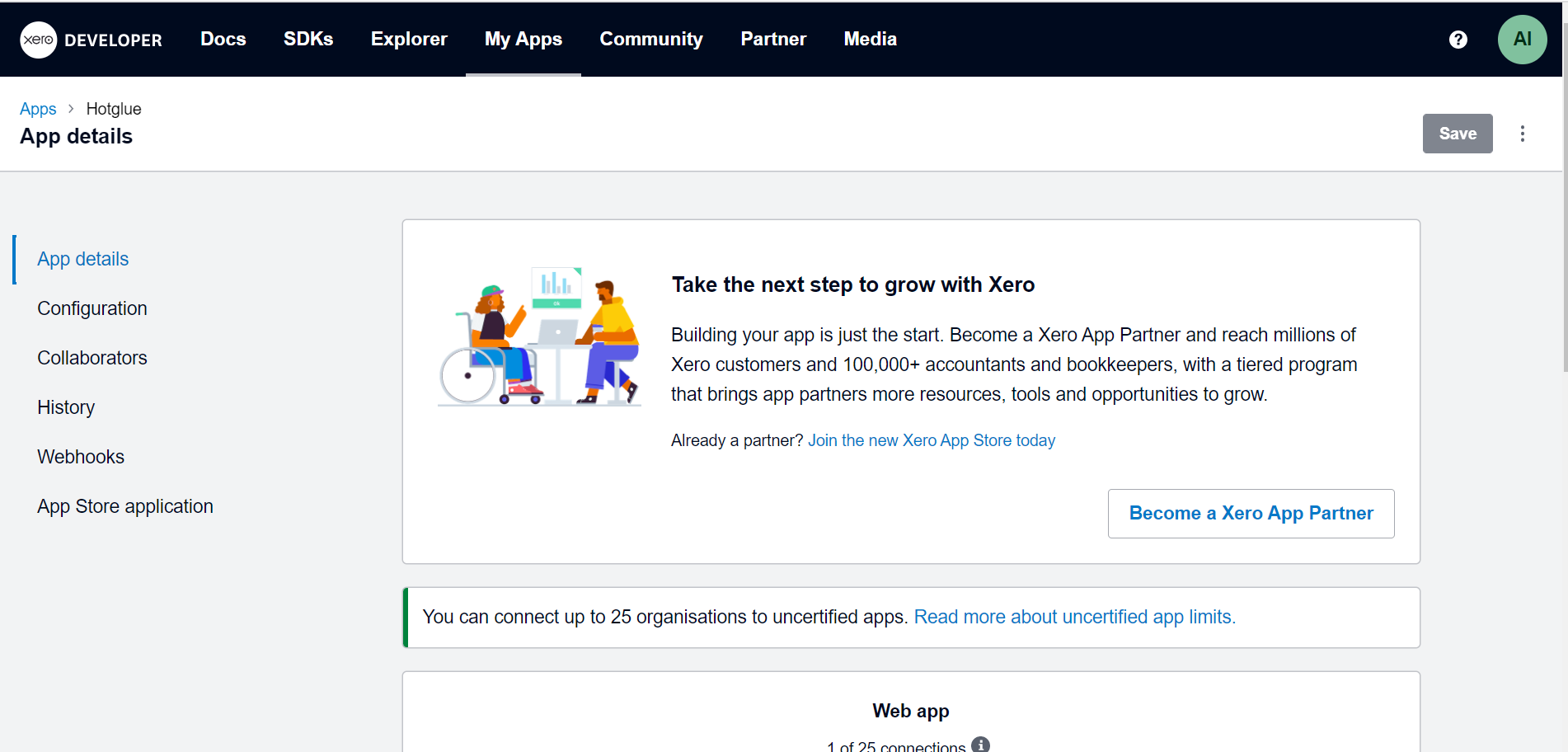
You will land on App details page. Click on Configuration from left nav pane.
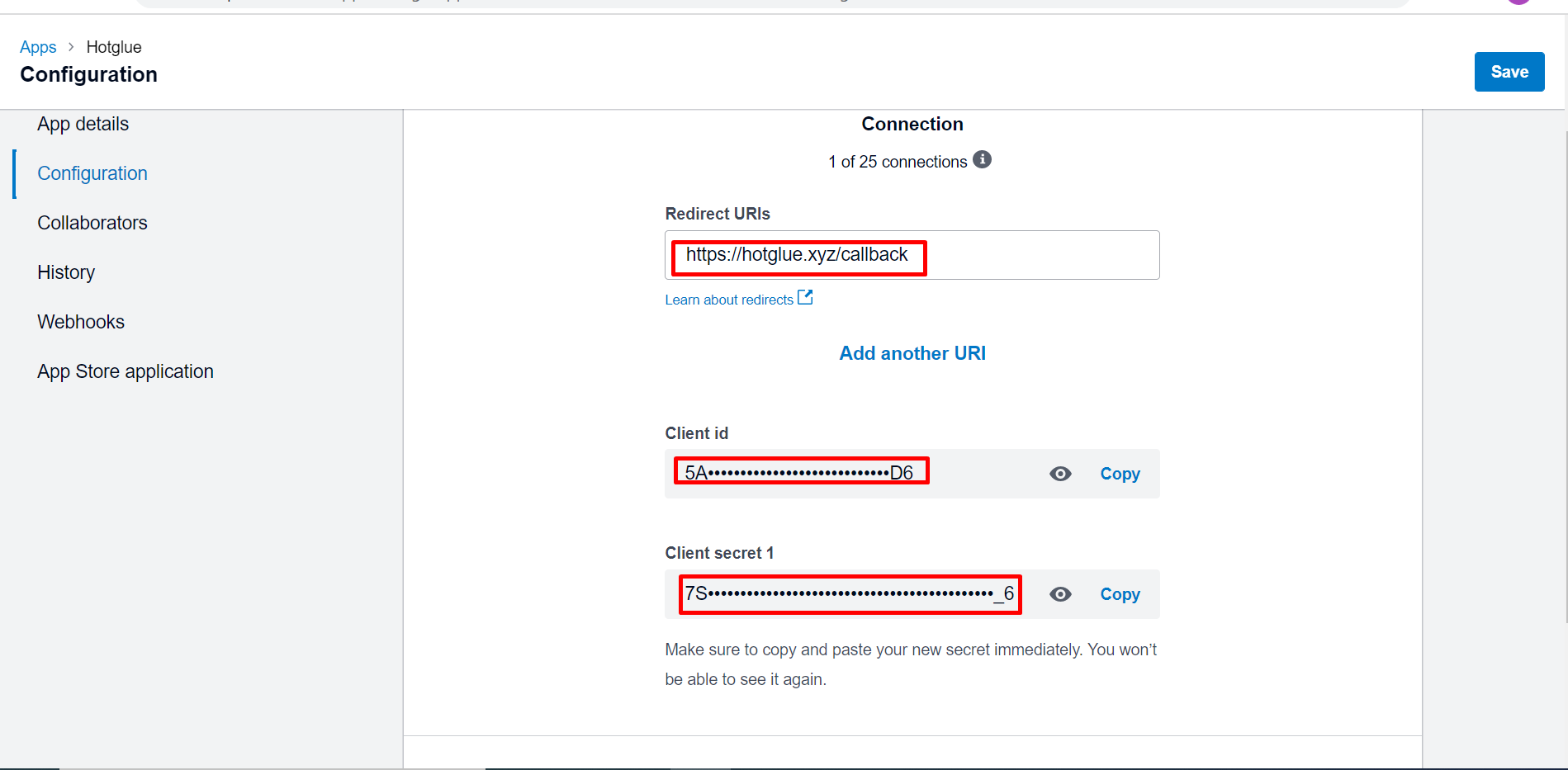
You should add the Redirect URI `https://hotglue.xyz/callback`. Once you do, you can also get your Client ID and generate Client Secret. Now you can go ahead and copy it into hotglue.
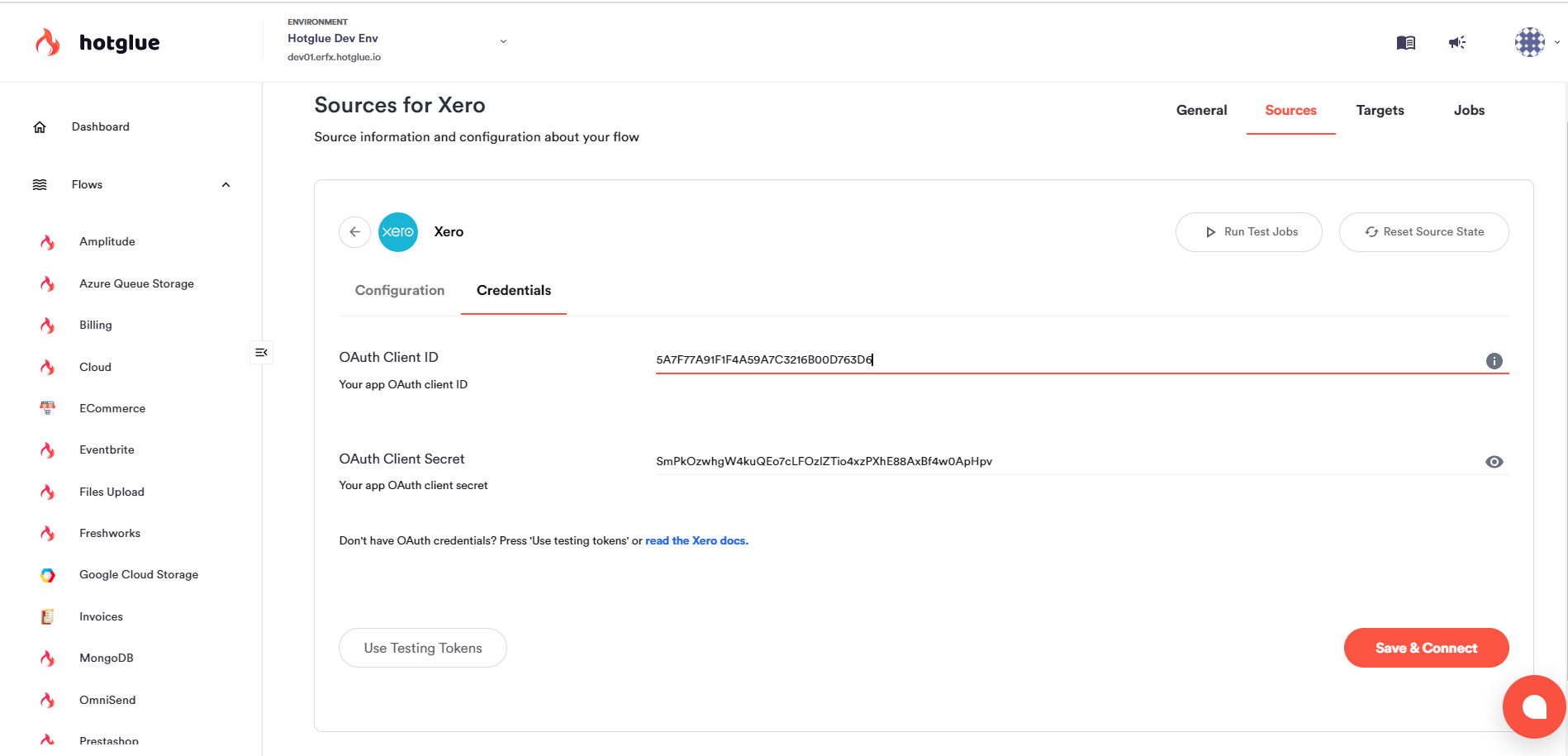
Now you can insert the client id and client secret pair from the **Keys** section into your hotglue Xero source settings:
That's it!
# Tap Changelog
| Version | Notes |
| :--------------------------------------------------------------------- | :----------------------------- |
| [v2.2.22](https://github.com/hotgluexyz/tap-xero/releases/tag/v2.2.22) | |
| [v2.2.21](https://github.com/hotgluexyz/tap-xero/releases/tag/v2.2.21) | |
| [v2.2.20](https://github.com/hotgluexyz/tap-xero/releases/tag/v2.2.20) | |
| [v2.2.19](https://github.com/hotgluexyz/tap-xero/releases/tag/v2.2.19) | |
| [v2.2.18](https://github.com/hotgluexyz/tap-xero/releases/tag/v2.2.18) | |
| [v2.2.17](https://github.com/hotgluexyz/tap-xero/releases/tag/v2.2.17) | |
| [v2.2.16](https://github.com/hotgluexyz/tap-xero/releases/tag/v2.2.16) | |
| [v2.2.15](https://github.com/hotgluexyz/tap-xero/releases/tag/v2.2.15) | |
| [v2.2.14](https://github.com/hotgluexyz/tap-xero/releases/tag/v2.2.14) | |
| [v2.2.13](https://github.com/hotgluexyz/tap-xero/releases/tag/v2.2.13) | |
| [v2.2.12](https://github.com/hotgluexyz/tap-xero/releases/tag/v2.2.12) | |
| [v2.2.11](https://github.com/hotgluexyz/tap-xero/releases/tag/v2.2.11) | |
| [v2.2.10](https://github.com/hotgluexyz/tap-xero/releases/tag/v2.2.10) | fix issue with requirements |
| [v2.2.9](https://github.com/hotgluexyz/tap-xero/releases/tag/v2.2.9) | fix replication |
| [v2.2.8](https://github.com/hotgluexyz/tap-xero/releases/tag/v2.2.8) | add id to journal lines stream |
| [v2.2.7](https://github.com/hotgluexyz/tap-xero/releases/tag/v2.2.7) | fixes |
| [v2.2.6](https://github.com/hotgluexyz/tap-xero/releases/tag/v2.2.6) | add journal\_lines stream |
| [v2.2.5](https://github.com/hotgluexyz/tap-xero/releases/tag/v2.2.5) | |
| [v2.2.4](https://github.com/hotgluexyz/tap-xero/releases/tag/v2.2.4) | |
| [](https://github.com/hotgluexyz/tap-xero/releases/tag/v2.2.3) | |