> ## Documentation Index
> Fetch the complete documentation index at: https://docs.hotglue.com/llms.txt
> Use this file to discover all available pages before exploring further.

# Zoho

# Connector Details

| Name           | Value                                                                                                                                                                                                                                                                                                             |
| :------------- | :---------------------------------------------------------------------------------------------------------------------------------------------------------------------------------------------------------------------------------------------------------------------------------------------------------------- |
| Platform       | [Zoho](https://zoho.com)                                                                                                                                                                                                                                                                                          |
| Auth Type      | OAuth                                                                                                                                                                                                                                                                                                             |
| Direction      | Bidirectional                                                                                                                                                                                                                                                                                                     |
| Tap Repo       | [https://gitlab.com/hotglue/tap-zoho](https://gitlab.com/hotglue/tap-zoho)                                                                                                                                                                                                                                        |
| Target Repo    | [https://gitlab.com/hotglue/target-zoho](https://gitlab.com/hotglue/target-zoho)                                                                                                                                                                                                                                  |
| Tap Metrics    | <p>Usage: <Tooltip tip="low"><Icon icon="user" iconType="regular" color="#fff" size="14px" /><Icon icon="user" iconType="regular" color="#fff" size="14px" /><Icon icon="user" iconType="regular" color="#A9A9A9" size="14px" /><Icon icon="user" iconType="regular" color="#A9A9A9" size="14px" /></Tooltip></p> |
| Target Metrics | <p>Usage: <Tooltip tip="low"><Icon icon="user" iconType="regular" color="#fff" size="14px" /><Icon icon="user" iconType="regular" color="#fff" size="14px" /><Icon icon="user" iconType="regular" color="#A9A9A9" size="14px" /><Icon icon="user" iconType="regular" color="#A9A9A9" size="14px" /></Tooltip></p> |

# Credentials Setup

Follow the steps below to get the credentials you need to use the Zoho connector.

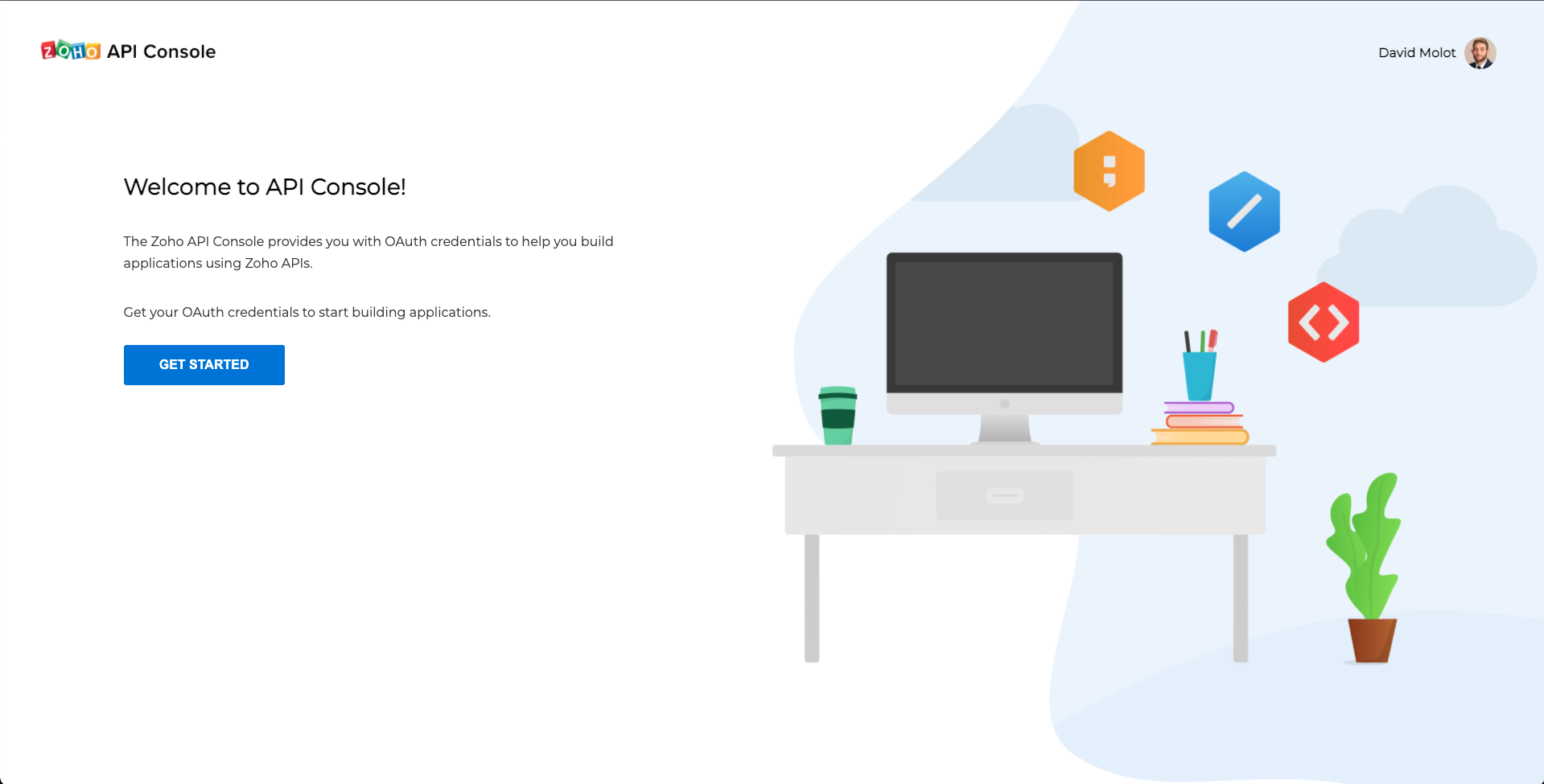
The first thing that you need to do to get your Zoho OAuth credentials is to head to the [Zoho API Console](https://api-console.zoho.com/). Make sure that you go ahead and sign into Zoho in the top right hand corner. If you do not have a Zoho account, you will be prompted to create one.
![](https://files.readme.io/4737f5e-Screen_Shot_2022-04-04_at_12.19.42_PM.png "Screen Shot 2022-04-04 at 12.19.42 PM.png")

Once you're on the Zoho API Console, select the **Get Started** button.
![](https://files.readme.io/dfe83b9-Screen_Shot_2022-04-04_at_12.24.29_PM.png "Screen Shot 2022-04-04 at 12.24.29 PM.png")

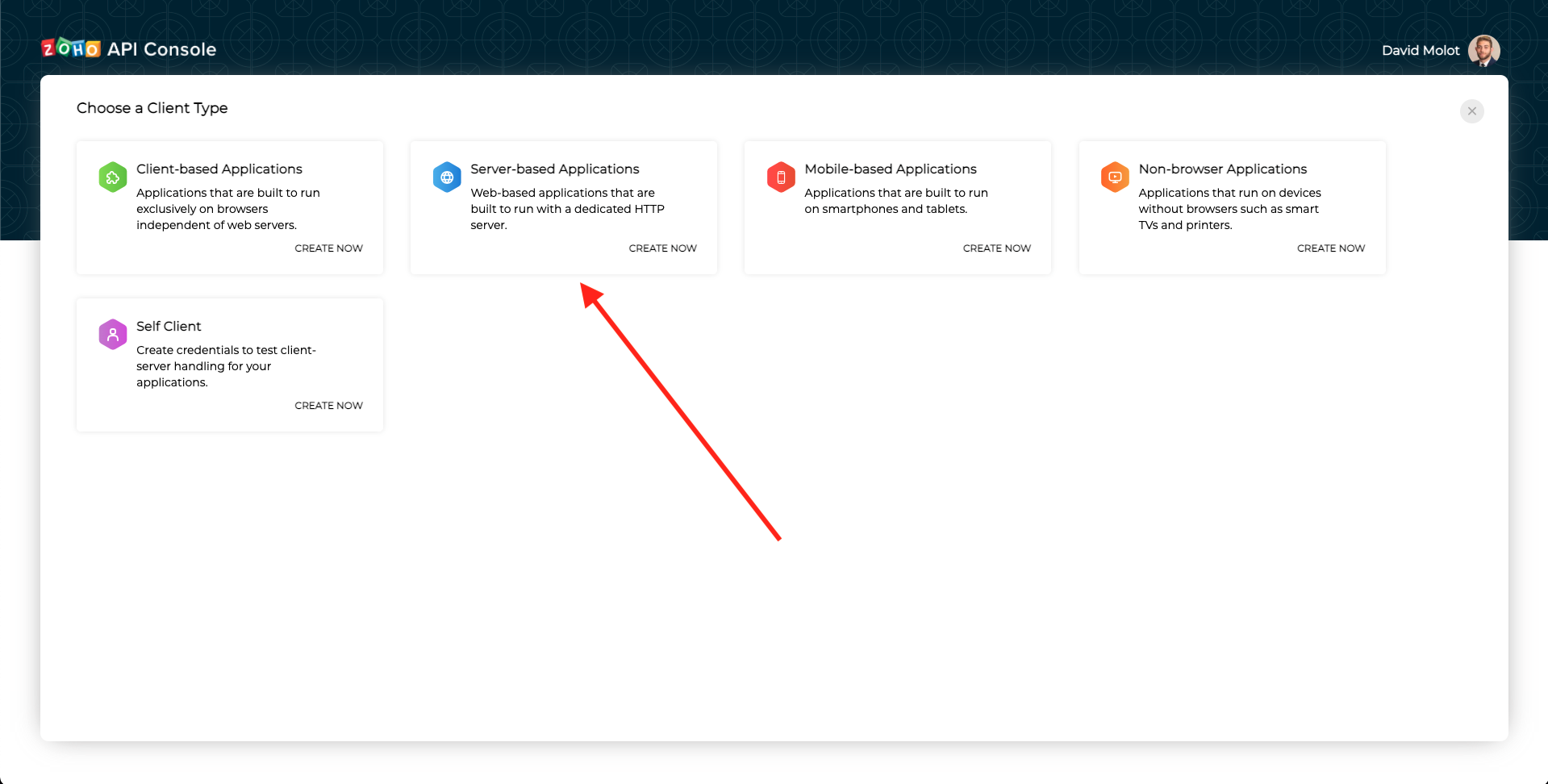
On the Choose a Client Type page, you want to select the Server-based Applications option.
![](https://files.readme.io/5759d08-Screen_Shot_2022-04-04_at_12.34.01_PM.png "Screen Shot 2022-04-04 at 12.34.01 PM.png")

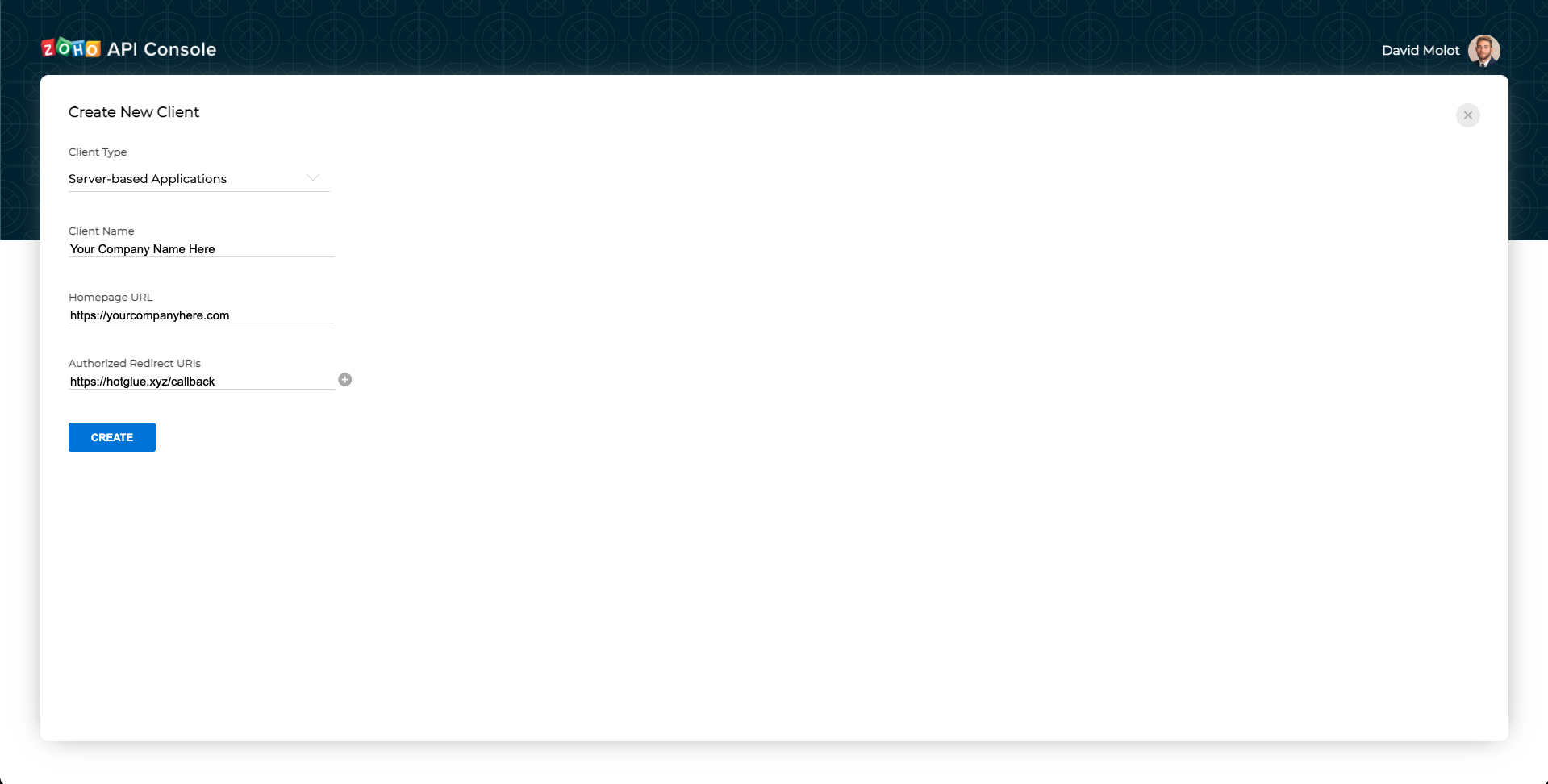
Name the Client the name of your app, input your websites home page URL, and set the Authorized Redirect URIs to `<https://hotglue.xyz/callback`>

Once done, click the Create button.

![](https://files.readme.io/65508b9-Screen_Shot_2022-04-04_at_12.41.39_PM.png "Screen Shot 2022-04-04 at 12.41.39 PM.png")

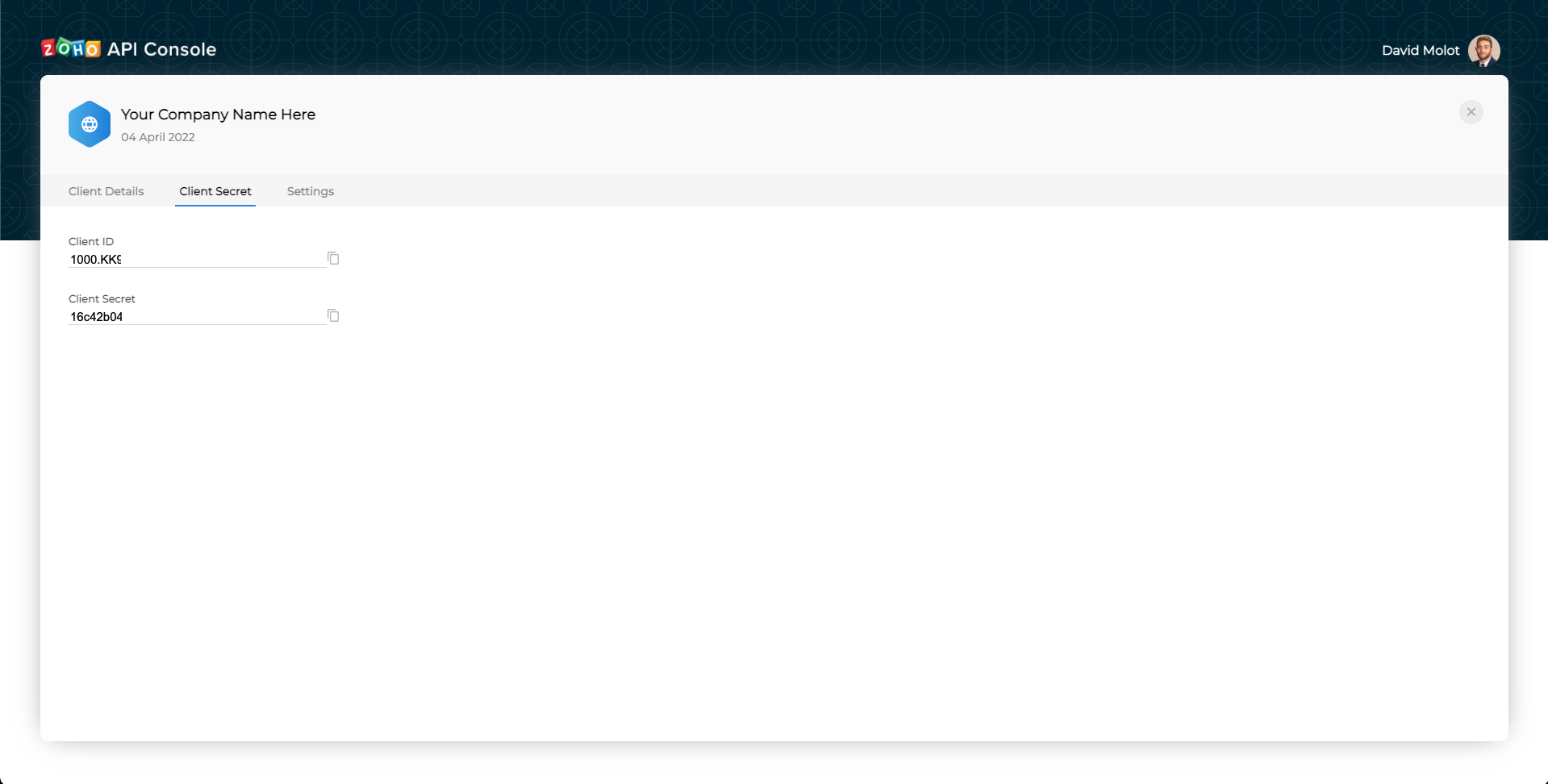
Now you have your Client ID and your Client Secret! Go ahead and copy these into hotglue.