> ## Documentation Index
> Fetch the complete documentation index at: https://docs.hotglue.com/llms.txt
> Use this file to discover all available pages before exploring further.
# White-label
> Fully white-label your user OAuth experience
The **callback URI** (also known as a redirect URI or callback URL) is an essential part of OAuth. It allows Hotglue to obtain the tokens required to access your users' resources. Hotglue's default callback URL is:
`https://hotglue.xyz/callback`
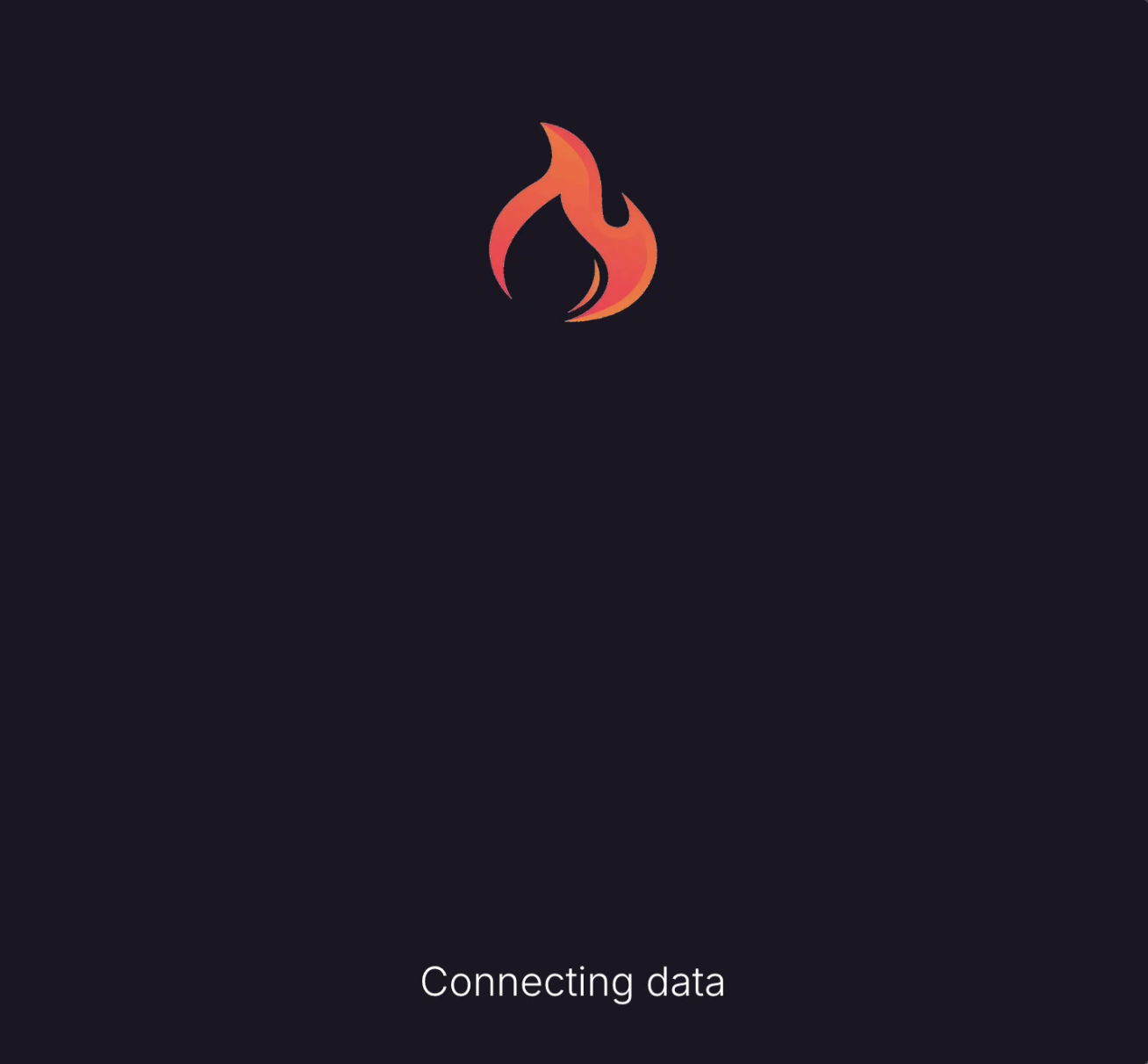
For OAuth integrations, users will see this page during the OAuth redirect flow after authenticating with the external system. By default, the callback page appears as follows:
 ## Customizing the Experience
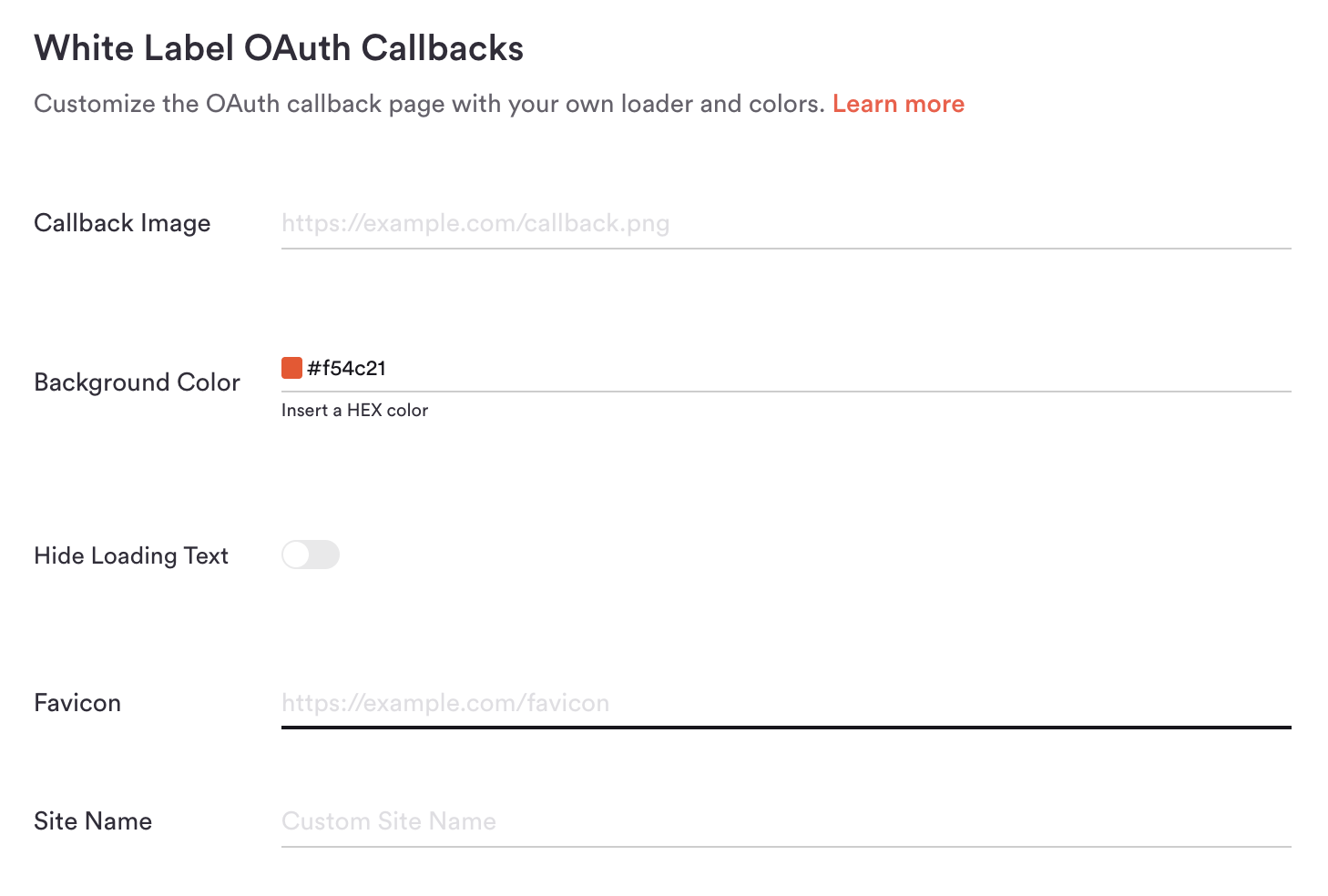
You can customize the visual appearance and branding of this page to match your application. Using the **White Label OAuth Callbacks** settings, you can modify the loader, colors, and displayed text.
## Customizing the Experience
You can customize the visual appearance and branding of this page to match your application. Using the **White Label OAuth Callbacks** settings, you can modify the loader, colors, and displayed text.
 ## Callback Image & Background
This is the recommended and fastest way to white-label your callback page. Upload a branded loader (such as a loading GIF) or a static image, and configure a **Background Color** using a HEX color code.
### Example Configuration
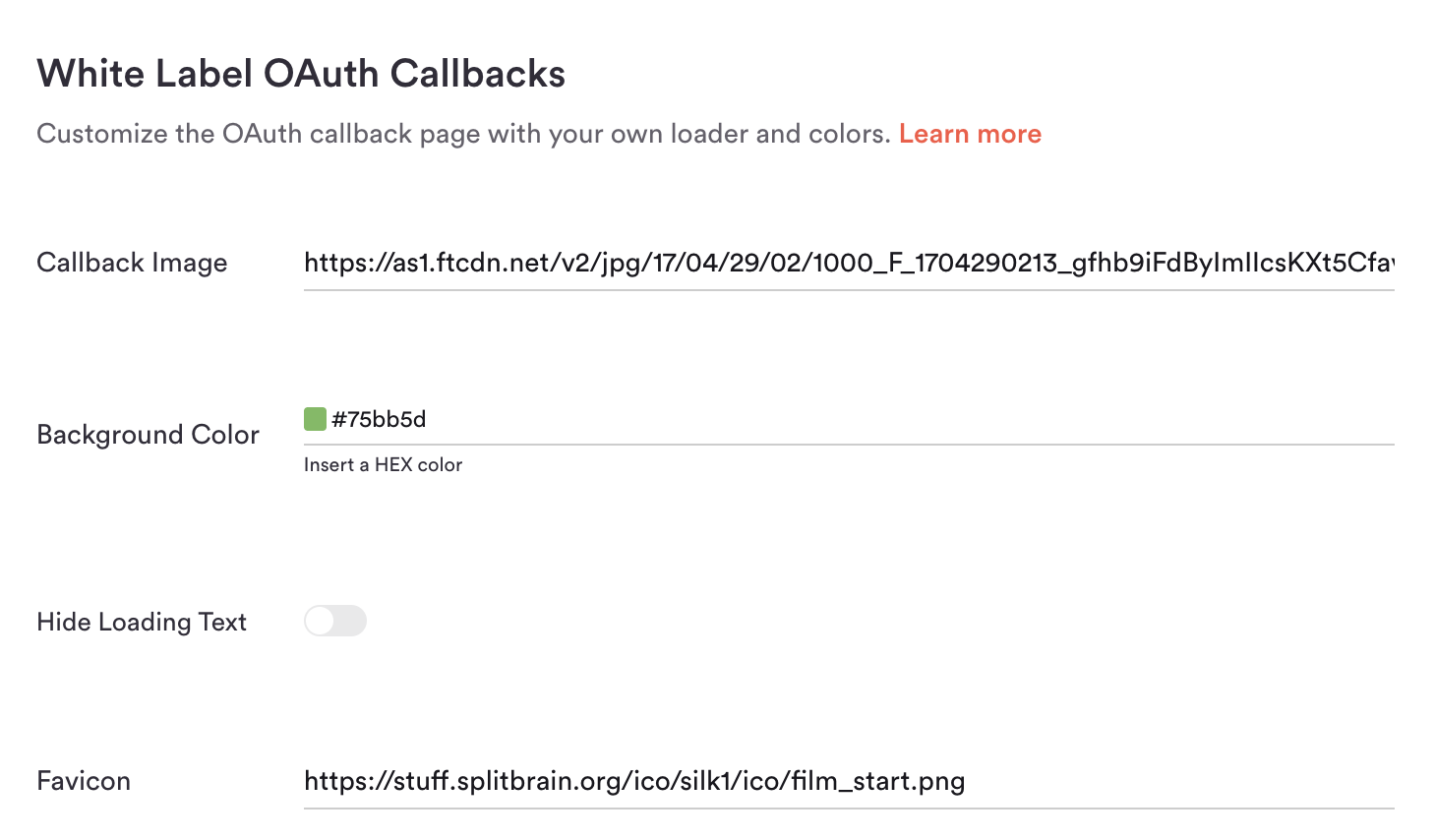
By providing a custom image URL and a HEX color code, you can significantly alter the appearance of the callback page:
## Callback Image & Background
This is the recommended and fastest way to white-label your callback page. Upload a branded loader (such as a loading GIF) or a static image, and configure a **Background Color** using a HEX color code.
### Example Configuration
By providing a custom image URL and a HEX color code, you can significantly alter the appearance of the callback page:
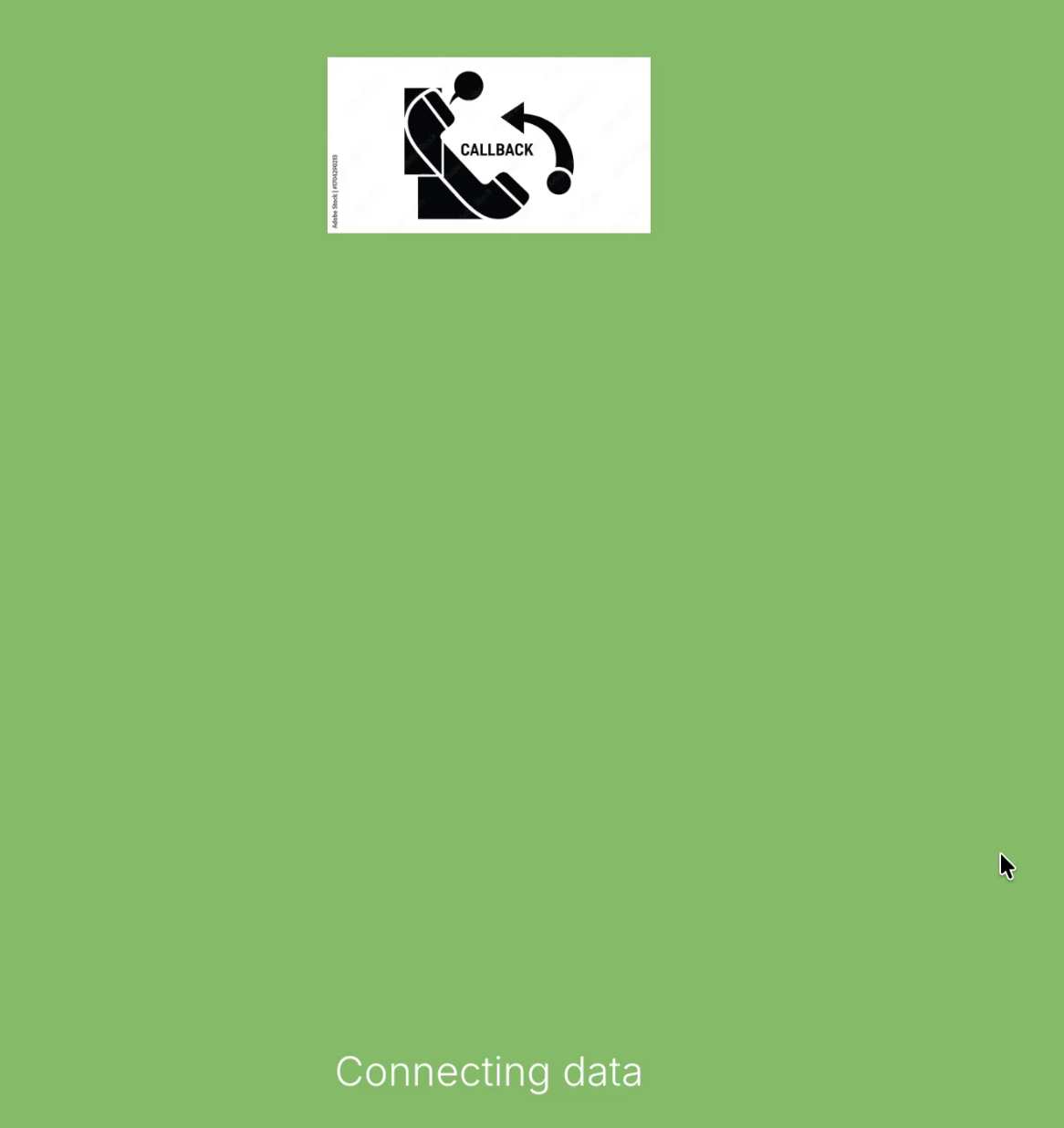
 The resulting callback experience is consistent with your application’s branding:
 ***
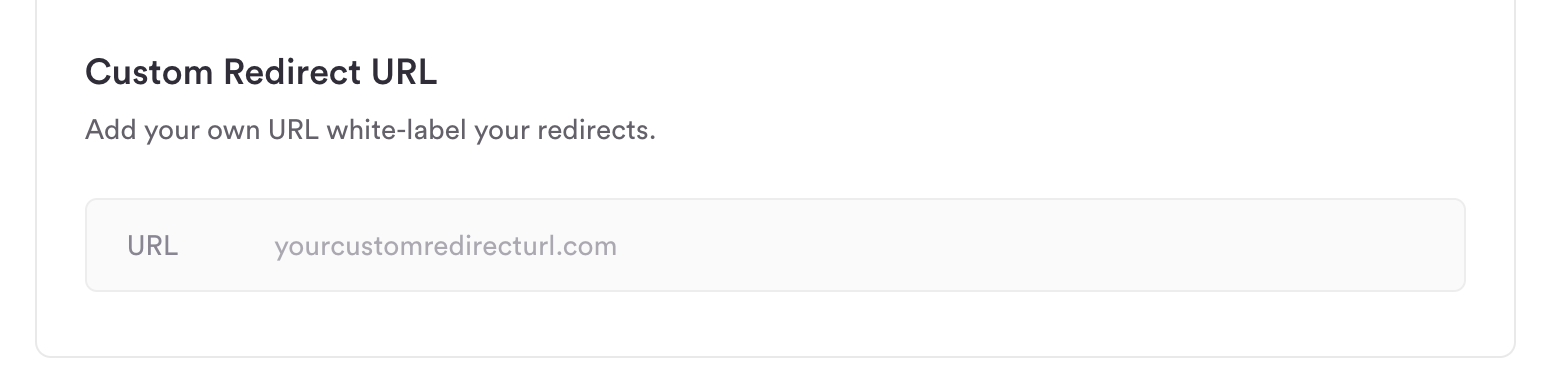
## Redirect URL
You can configure a custom redirect URL that you own—for example,\
`integrations.{{YOURDOMAIN}}.com` instead of `hotglue.xyz/callback`. Once configured, Hotglue provides two CNAME records that must be added to your DNS settings.
***
## Redirect URL
You can configure a custom redirect URL that you own—for example,\
`integrations.{{YOURDOMAIN}}.com` instead of `hotglue.xyz/callback`. Once configured, Hotglue provides two CNAME records that must be added to your DNS settings.
 > **Note:** You must update the redirect URIs in any existing OAuth applications after making this change.
## Hide Loading Text
When **enabled**, all loading text is hidden during the OAuth callback process, leaving only the callback image or loader centered on the page.
> **Note:** You must update the redirect URIs in any existing OAuth applications after making this change.
## Hide Loading Text
When **enabled**, all loading text is hidden during the OAuth callback process, leaving only the callback image or loader centered on the page.
 ## Favicon
Use this field to specify a 16×16 pixel image file that will appear in the browser tab for the callback page.
## Favicon
Use this field to specify a 16×16 pixel image file that will appear in the browser tab for the callback page.
 ## Site Name
Optionally override the site name displayed in the browser tab and history for the callback page to match your company or application name.
## Site Name
Optionally override the site name displayed in the browser tab and history for the callback page to match your company or application name.
