> ## Documentation Index
> Fetch the complete documentation index at: https://docs.hotglue.com/llms.txt
> Use this file to discover all available pages before exploring further.
# Overview
> The hotglue widget allows you to offer native, inline integrations in your app with only a few lines of code.
# Introduction to the widget
The hotglue widget is a white-labeled JavaScript component set for your users to link to hotglue integrations, without leaving your app.
In addition to providing components, the widget library exposes client side functions for common hotglue tasks you can bake into your UI:
```javascript theme={null}
```
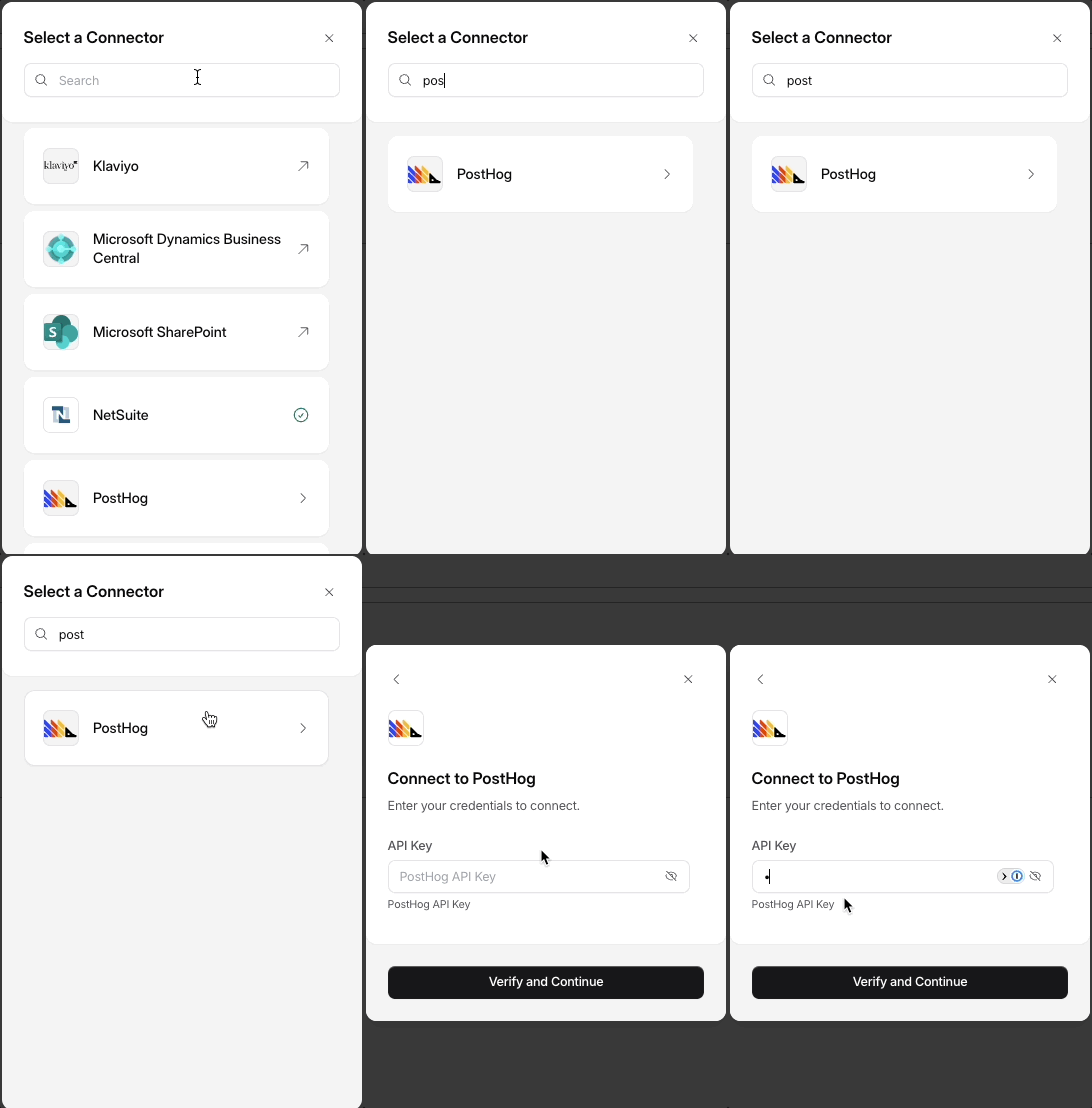
 In addition to providing components, the widget library exposes client side functions for common hotglue tasks you can bake into your UI:
```javascript theme={null}
```
In addition to providing components, the widget library exposes client side functions for common hotglue tasks you can bake into your UI:
```javascript theme={null}
```