

setLocalization
Thelocalization configuration allows you to override default text and labels displayed throughout the Hotglue Widget v3 interface.
⚠️ localization only affects display text. It does not change connector functionality or behavior.
Localization Parameters
The following sections of the widget support text customization:- Connectors List
- Connector Manager
- Connect Params
- Connector Flow Selector
- Field Map Editor
Connectors List
Controls the text displayed on the connector selection screen.Supported Fields
Example
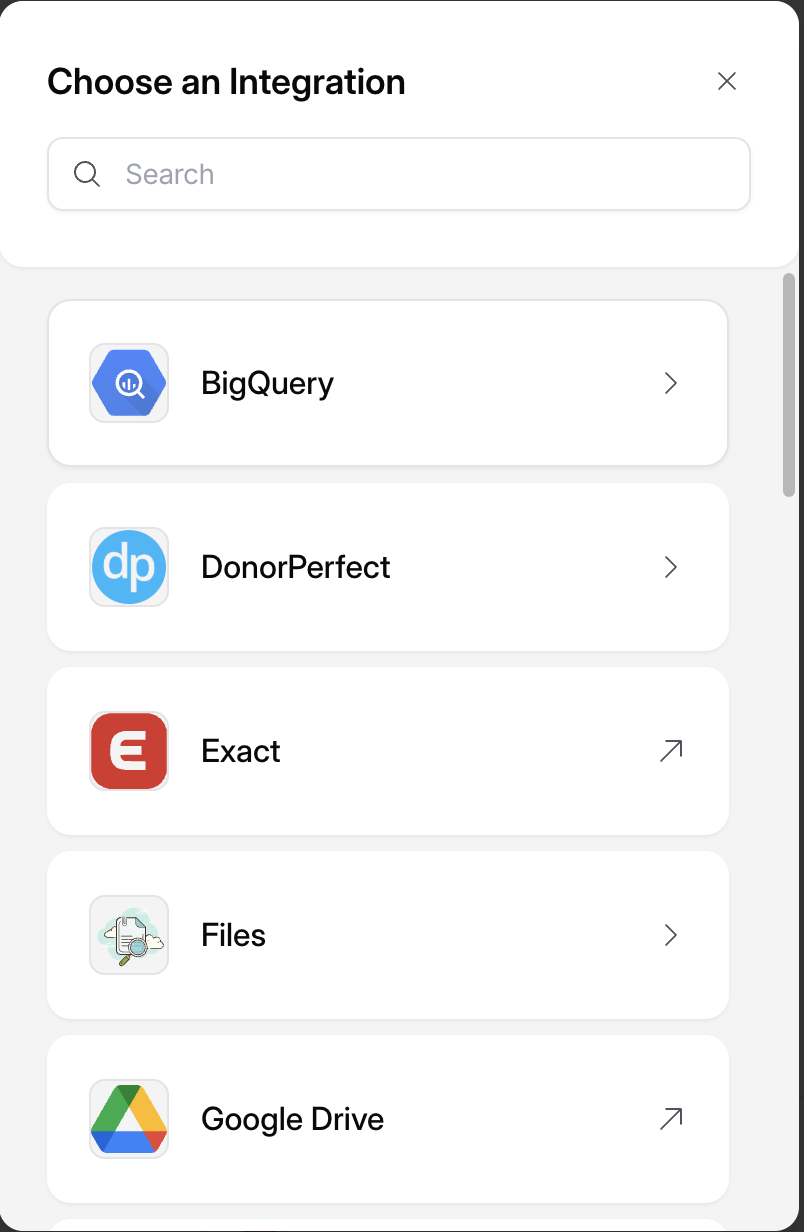
Connector Manager – Localization Example
Connector Manager
Controls the text displayed after a connector has been successfully linked.Supported Fields
Example
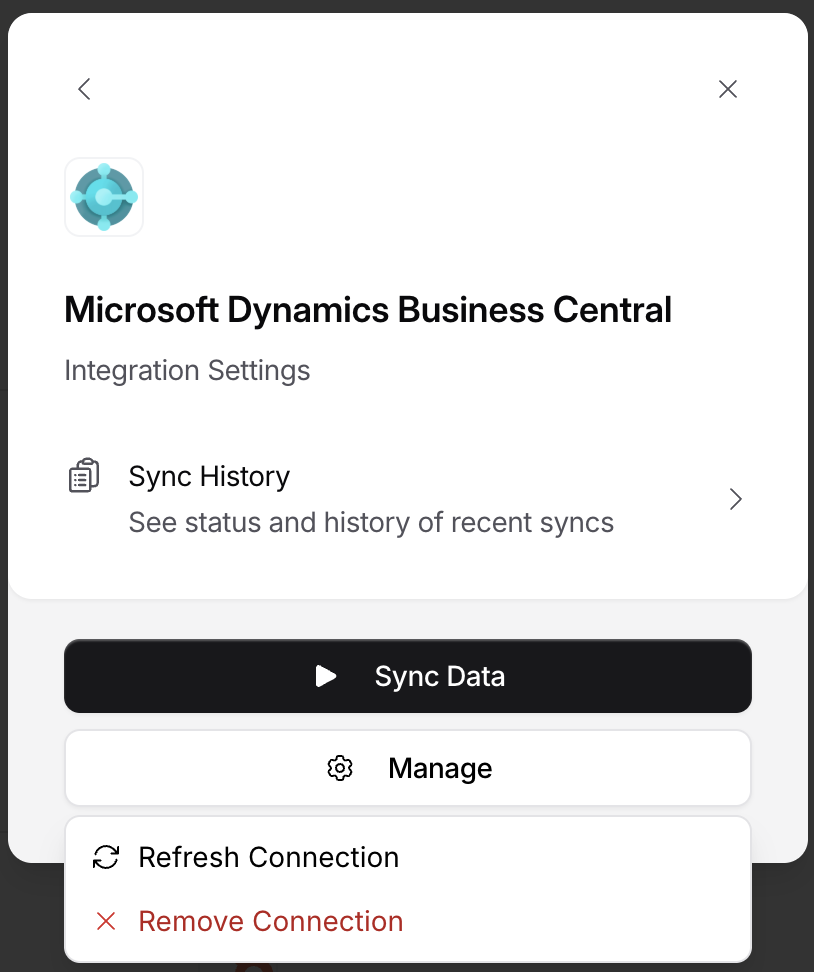
Connector Manager – Localization Example
Connect Params
Controls text shown when users are entering authentication or configuration details.description supports the same safe HTML as credential-field helper text. See helperText for allowed tags and connect_ui_params configuration.
Supported Fields
Example
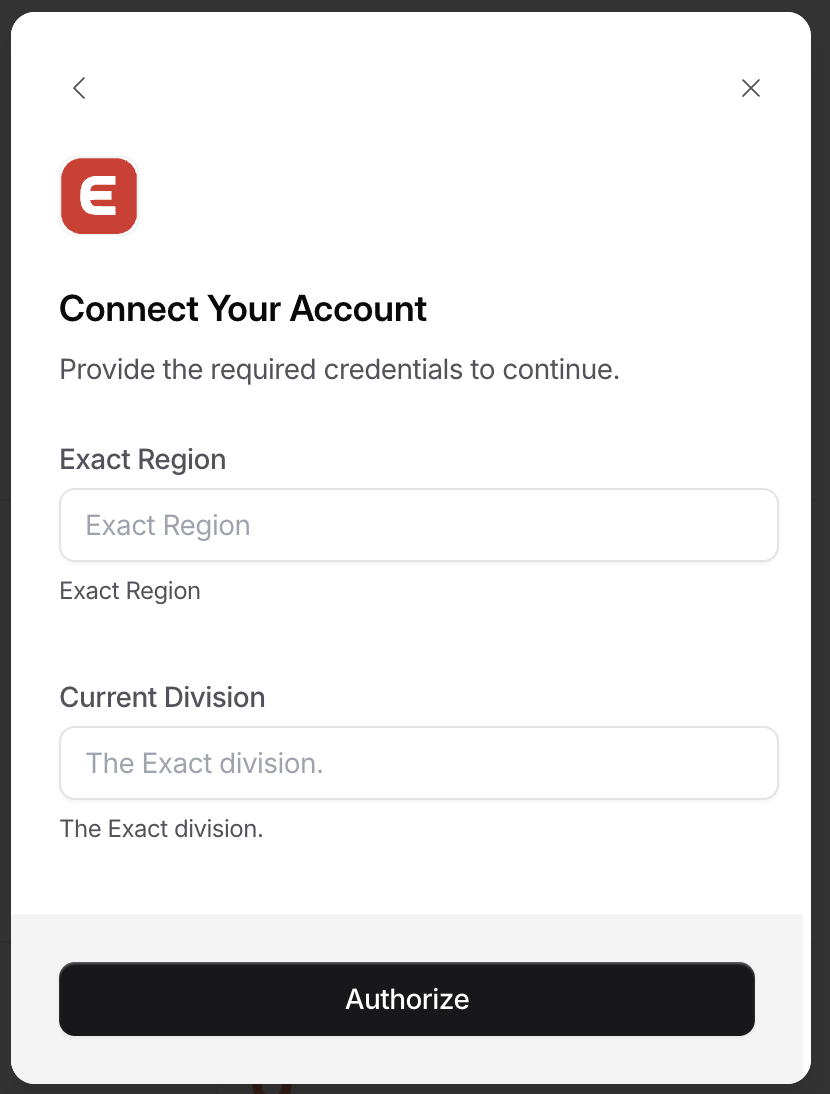
Connector Manager – Localization Example
Connector Flow Selector
Controls text shown when users select a connection flow type.Supported Fields
Example
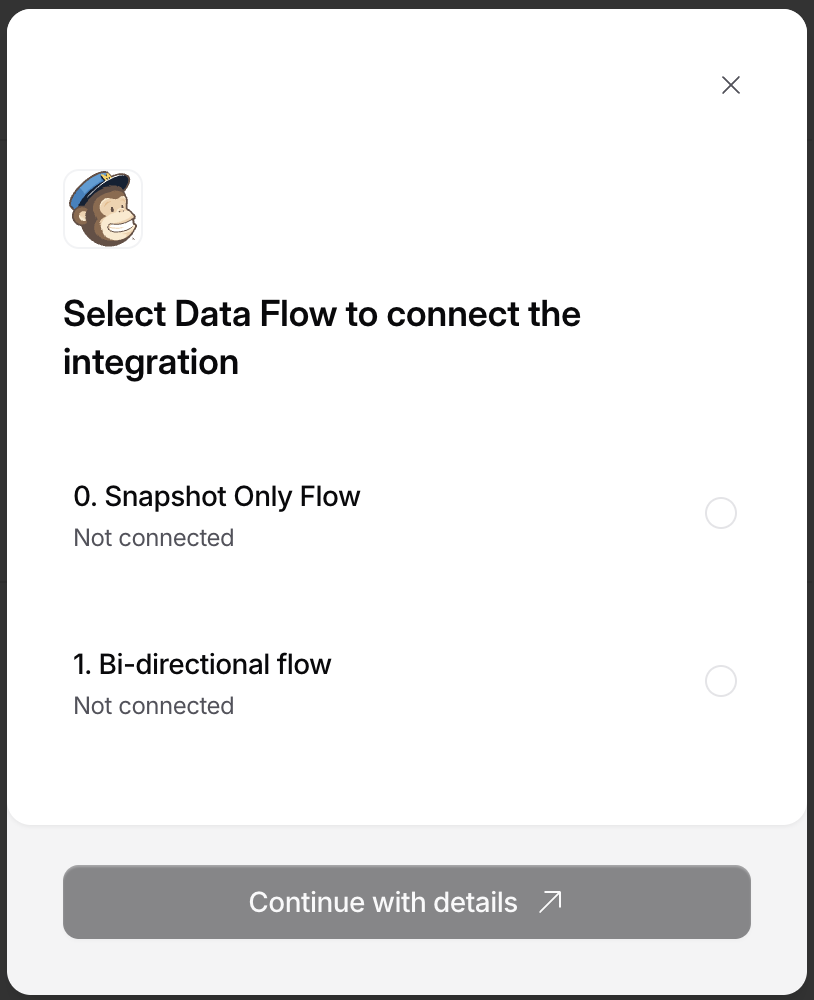
Connector Manager – Localization Example
Field Map Editor
Controls text shown when users select tables and fields for a linked connector. The field map editor supports these localization entries:ConnectorManager.fieldMap.titleConnectorManager.fieldMap.subtitlefieldMap.selectorTitlefieldMap.selectorDescription