

https://hotglue.xyz/callback
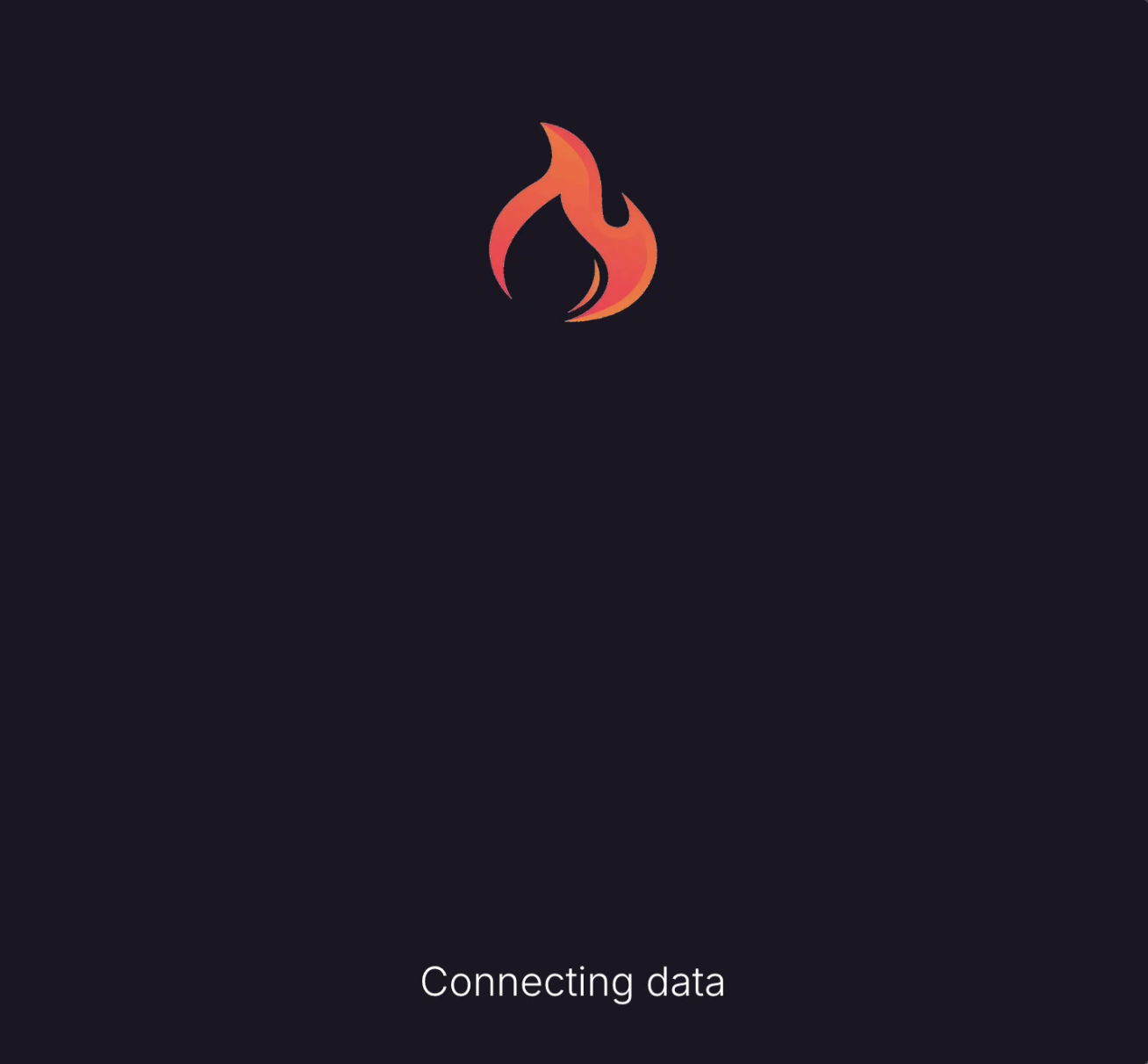
For OAuth integrations, users will see this page during the OAuth redirect flow after authenticating with the external system. By default, the callback page appears as follows:
Customizing the Experience
You can customize the visual appearance and branding of this page to match your application. Using the White Label OAuth Callbacks settings, you can modify the loader, colors, and displayed text.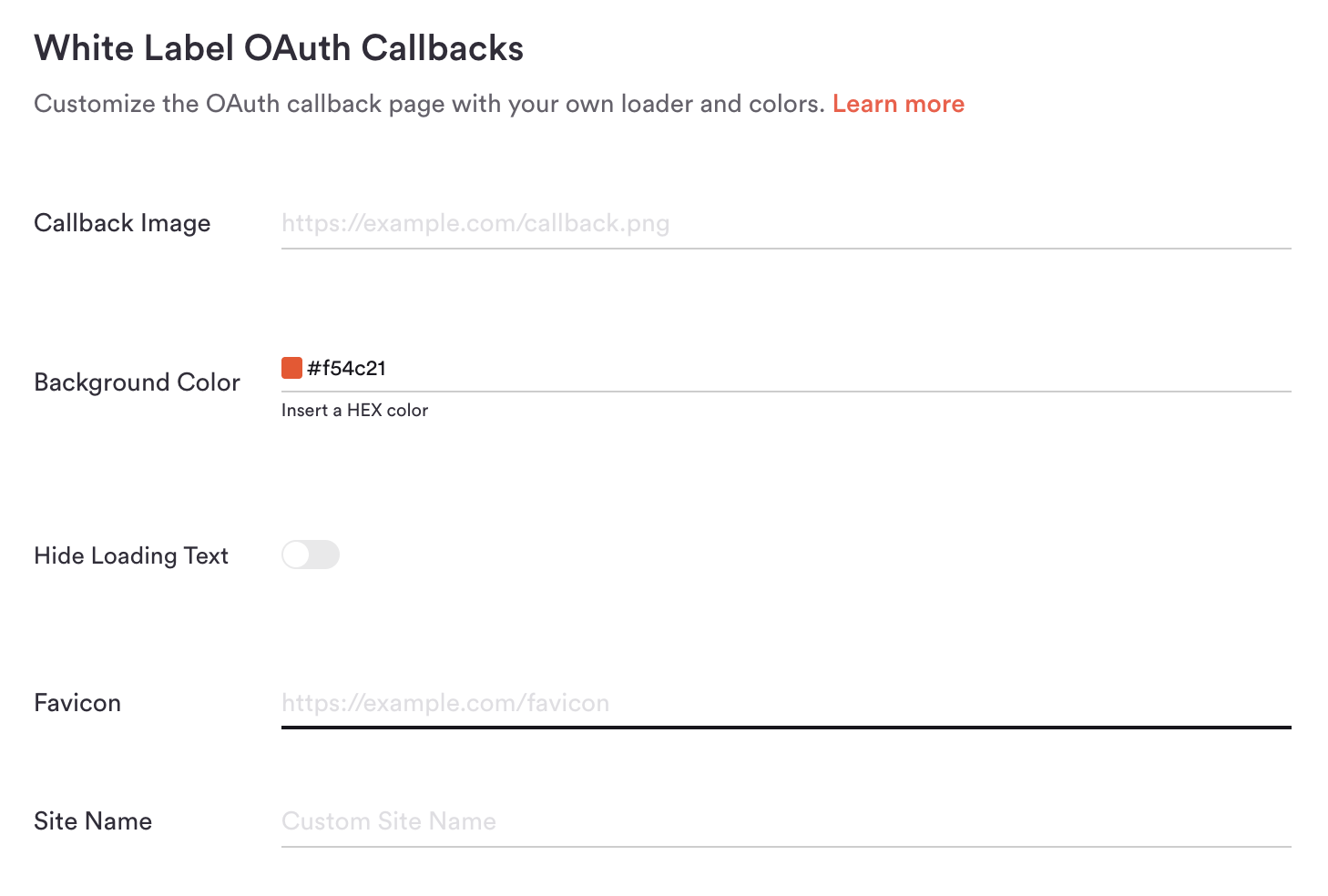
Callback Image & Background
This is the recommended and fastest way to white-label your callback page. Upload a branded loader (such as a loading GIF) or a static image, and configure a Background Color using a HEX color code.Example Configuration
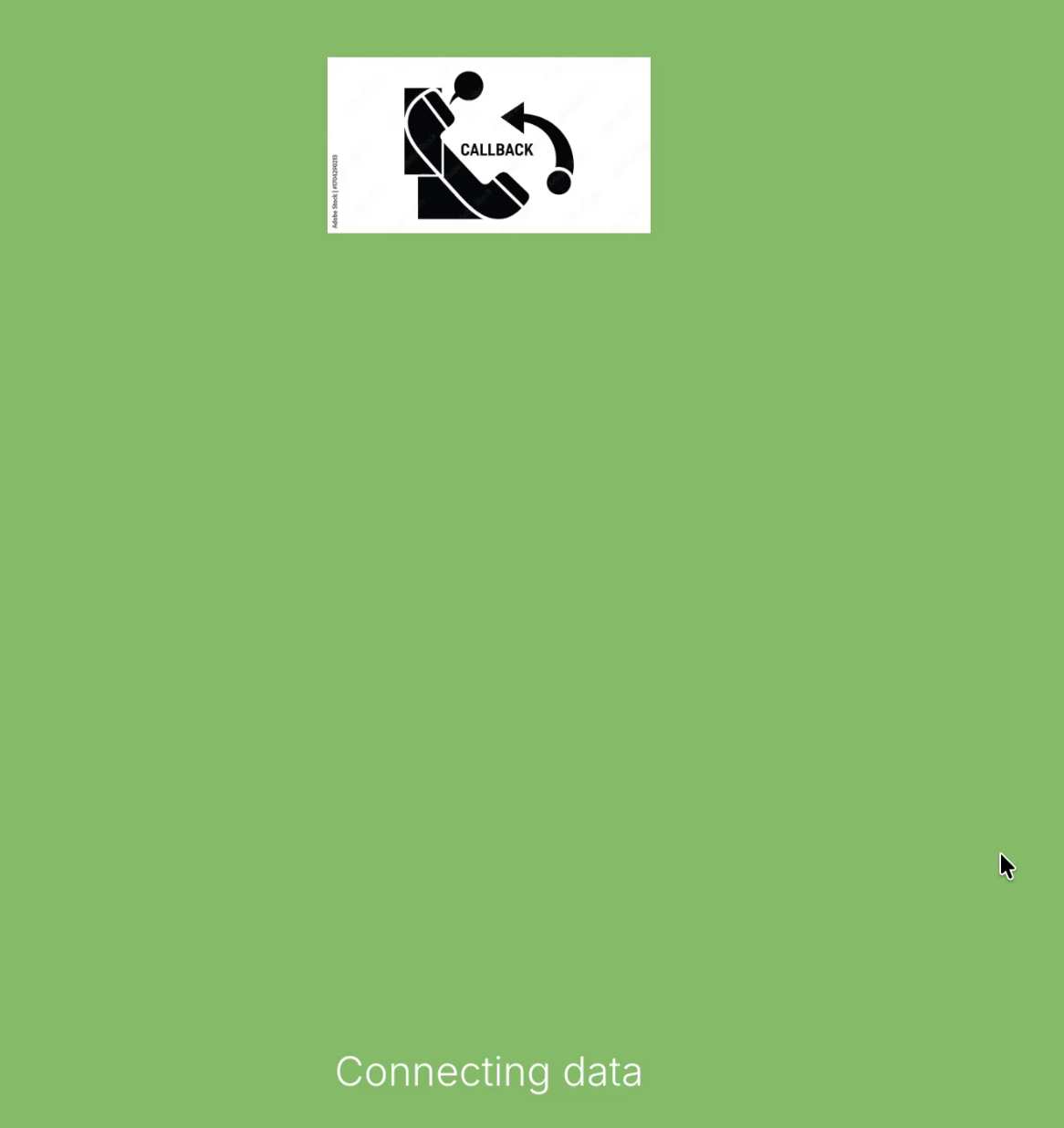
By providing a custom image URL and a HEX color code, you can significantly alter the appearance of the callback page: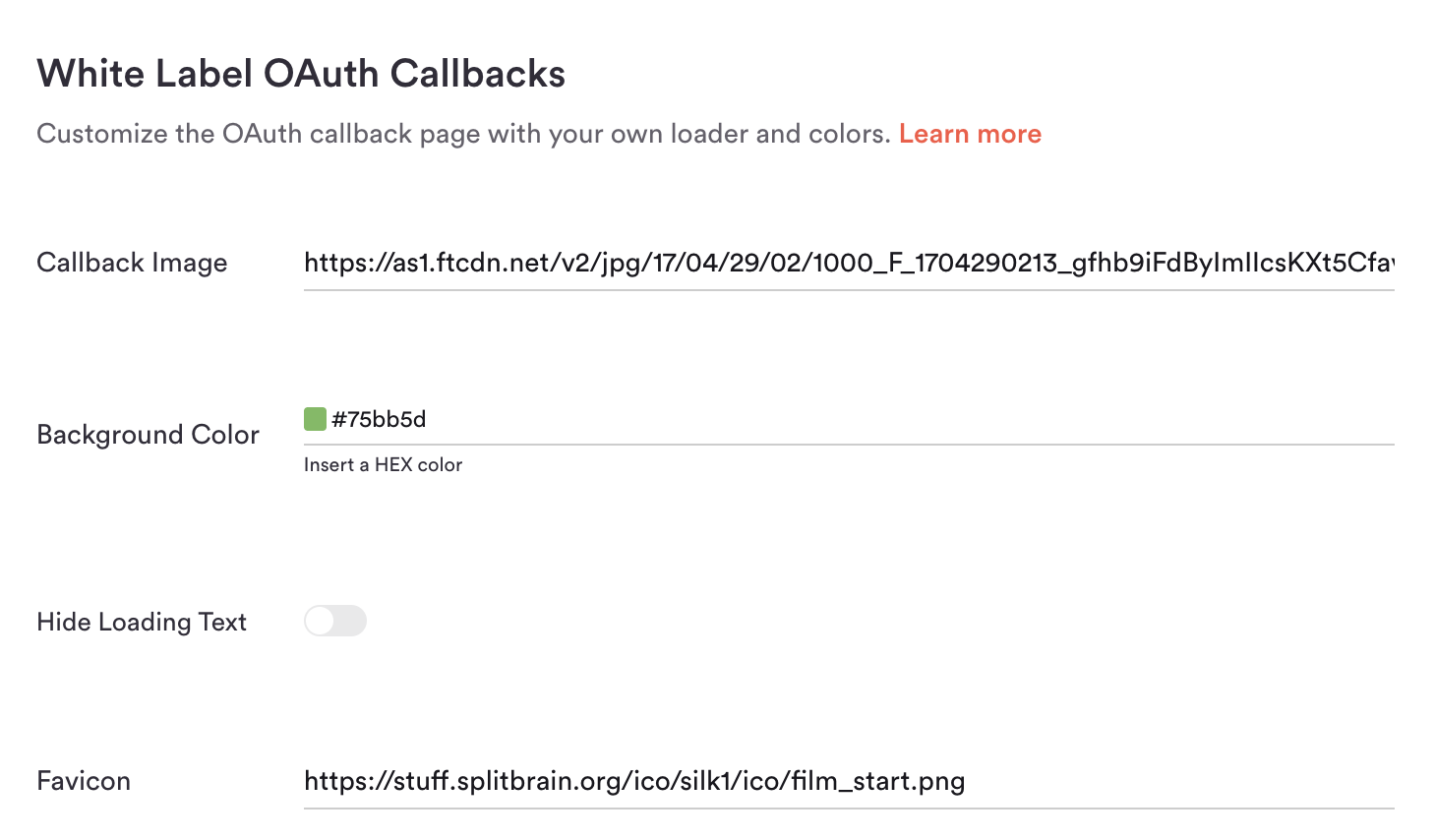
Redirect URL
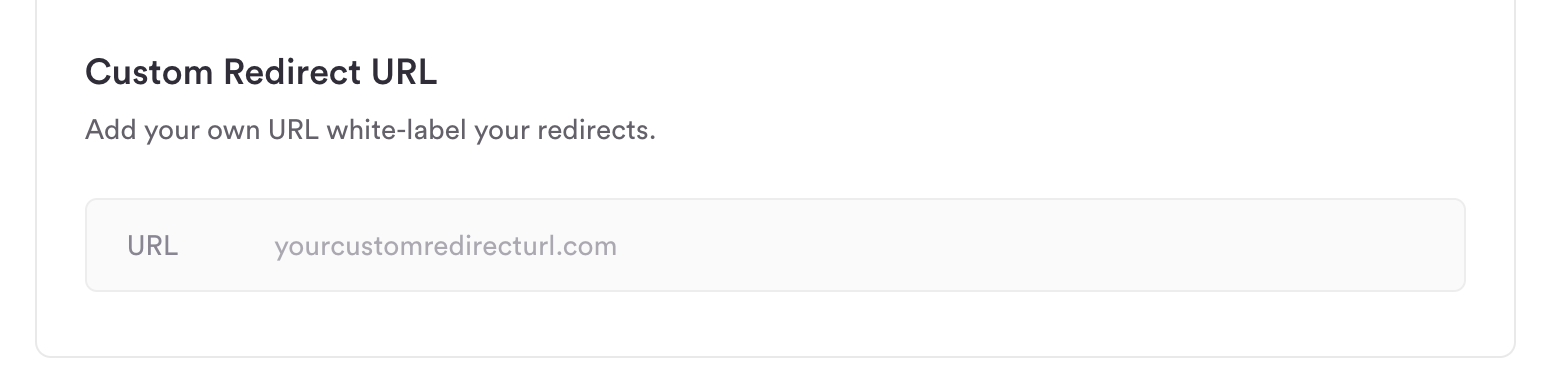
You can configure a custom redirect URL that you own—for example,integrations.{{YOURDOMAIN}}.com instead of hotglue.xyz/callback. Once configured, Hotglue provides two CNAME records that must be added to your DNS settings.
Note: You must update the redirect URIs in any existing OAuth applications after making this change.
Hide Loading Text
When enabled, all loading text is hidden during the OAuth callback process, leaving only the callback image or loader centered on the page.
Favicon
Use this field to specify a 16×16 pixel image file that will appear in the browser tab for the callback page.
Site Name
Optionally override the site name displayed in the browser tab and history for the callback page to match your company or application name.